|
 |
 |
|
|
|
| E-gold's Manual | ||
How to create an e-gold account |
||
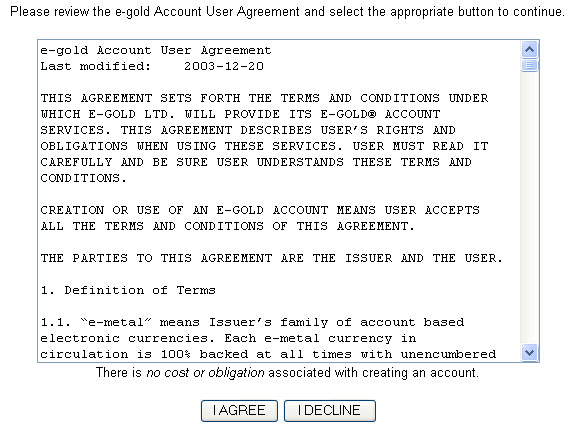
Step 1 : Click here to open a new account. Step 2 : You will see a user agreement page like below. Click on I Agree.
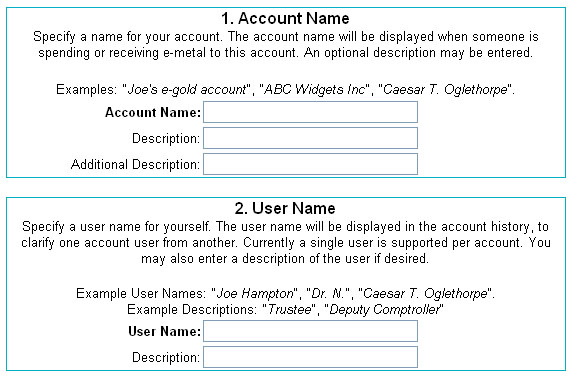
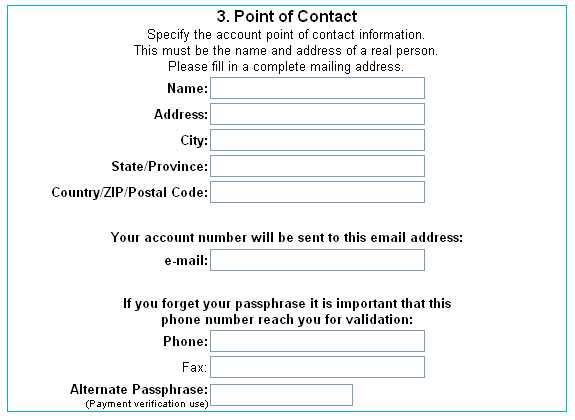
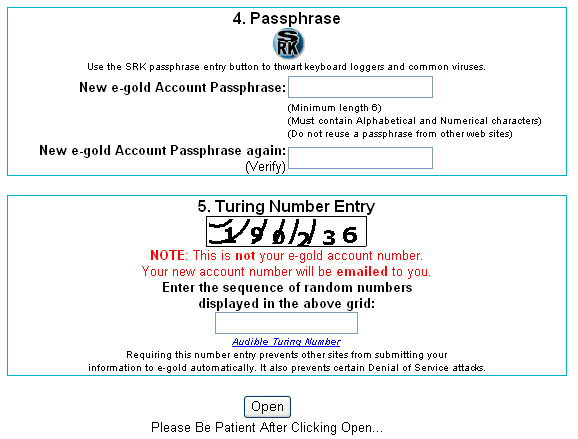
Step 3 : You will get to a form like below. Please fill in the form and click on Open.
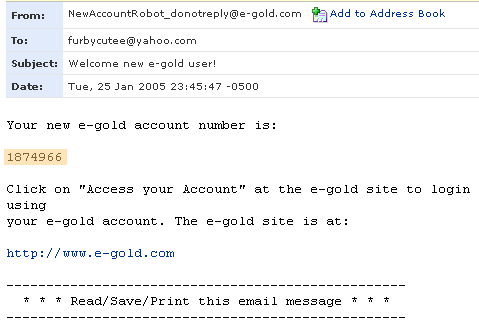
Step 4 : You will receive an e-mail from e-gold which contains your e-gold account number. Check your e-mail and it might just look like below. (Note : if it's not in your inbox, it might be in your bulk/junk mail)
|
||
How to login your e-gold account |
||
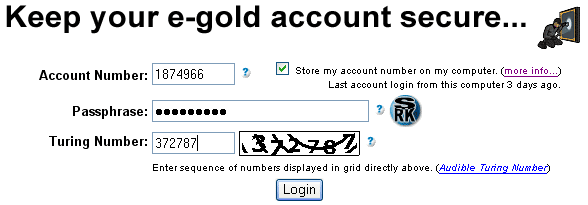
Step 1 : Click on Access your Account at the e-gold site. Step 2 : You will see a login page like below. Fill in your account number, your password and the turing number shown. Click on Login .
|
||
How to check your account balance |
||
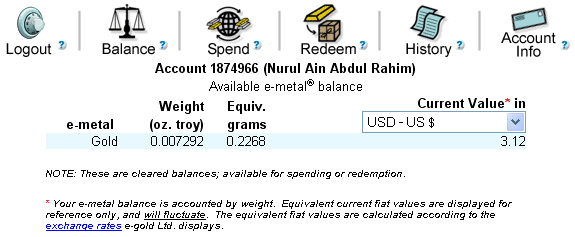
Step 1 : Login your account. Step 2 : Click on Balance . Your page might look like below.
|
||
How to send/sell e-gold or make payment to others |
||
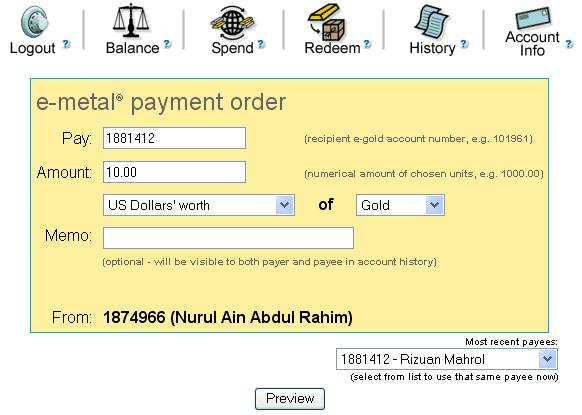
Step 1 : Login your account. Step 2 : Click on Spend. Your page might look like below.
Step 3 : Fill in the form and click on Preview.
|
||
| How to view transaction history | ||
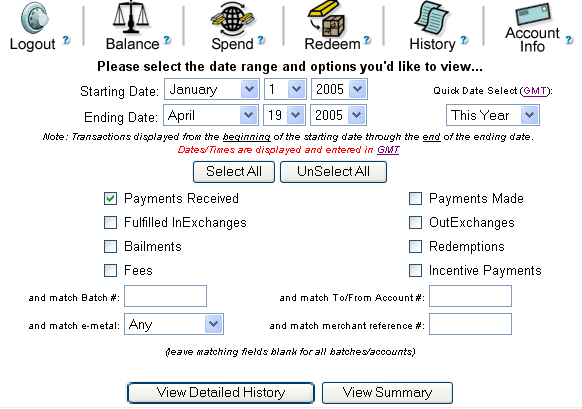
Step 2 : Click on History. Your page might look like below.
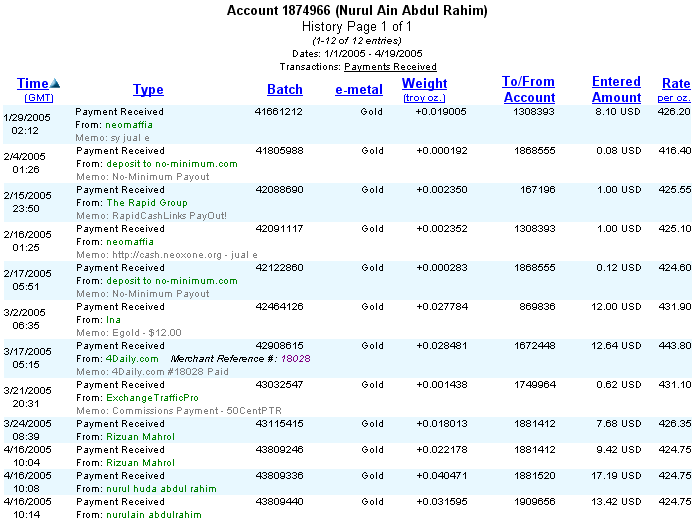
Step 3 : Please specify what kind of transaction history you want to view. Click on View Detailed History. Your page might look like below.
|
||
|
||