
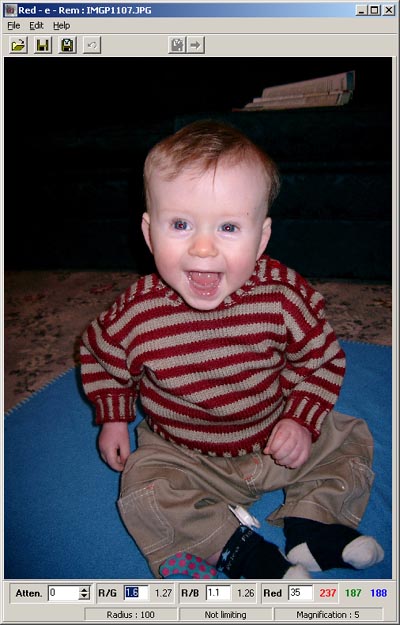
droppping the image on the program window
using the file ->open menu item

|
|
|
|
|
|
|
|
|
|
|
|
|
|
|
|
|
|
|
|
|
|
|
|
|
| Quick Start Guide | ||||||||||||||||||||||||
| Open the image file by either: | ||||||||||||||||||||||||
| dropping the image file on the program icon droppping the image on the program window using the file ->open menu item |
||||||||||||||||||||||||
|
||||||||||||||||||||||||
|
||||||||||||||||||||||||
|
||||||||||||||||||||||||
|
||||||||||||||||||||||||
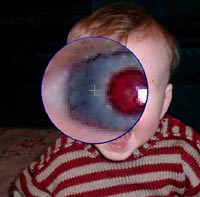
| Right click over one of the problem eyes. The magnifying lens will appear | Position the magnifying lens over the red part of the eye using either the mouse or the arrow keys | |||||||||||||||||||||||
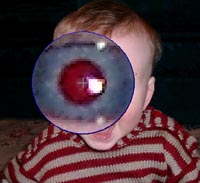
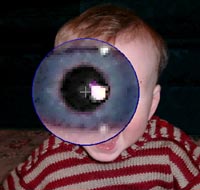
| Left click the mouse, or press the space bar, and the red is removed | ||||||||||||||||||||||||
|
||||||||||||||||||||||||
|
||||||||||||||||||||||||
|
||||||||||||||||||||||||
| Right click again to turn off the magnifying lens, and move to the next eye. When all eyes are corrected, save the fixed image. | ||||||||||||||||||||||||