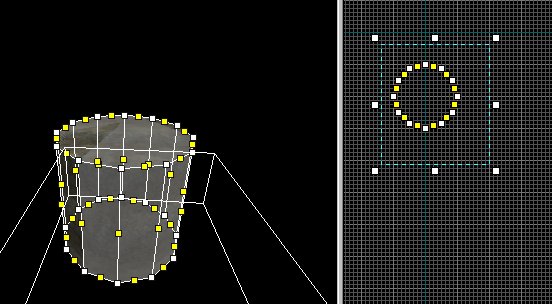
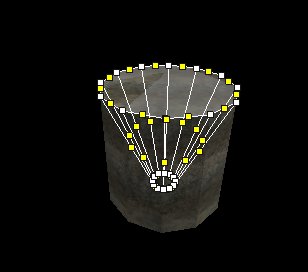
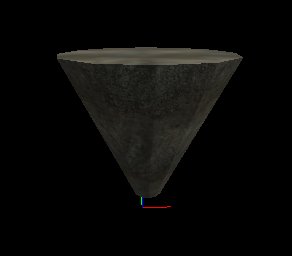
Ok now on to Scaling vertexs. : )
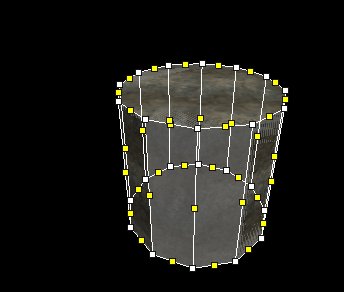
1. make object.
2. Highlight the Handles you want to use for scaling with the bounding box.
3. Hit enter
4. Now with object highlighted hit CTRL-E... This will bring up a Scaling box. : ) In this will be some numbers.. now you can play with the numbers and watch the object move while you change it. : ) Mine became a cone. : )
(It did the cone because I highlighted the bottom Handles/Yellow Boxes. Also there is a Little circle inside the box when you scale, this is related to where it will scale. Ie circle placed at bottom will scale things to the bottom.. or side or front.. These are things you will have to experiment with to see what happens.
4. To exit scaling mode hit ESC/Exit
5. Click the red arrow and you now have a scaled object.