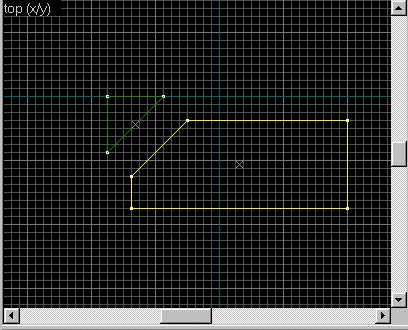
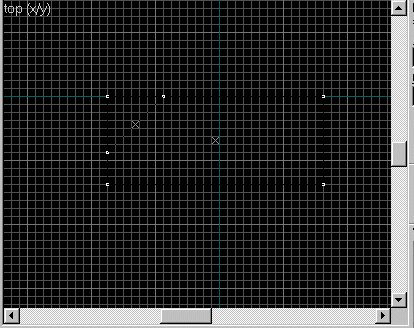
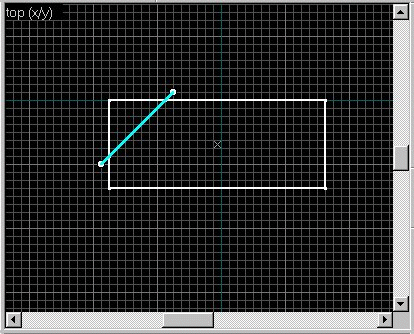
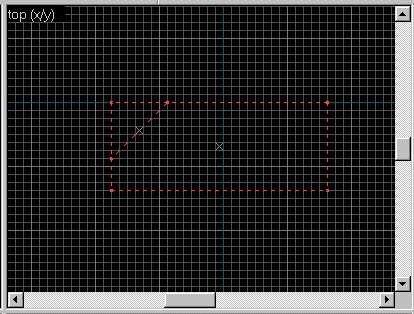
Clipping is fun. I use clip before I think of using carve. If done correctly it can give the same effect (most times) and with less headaches.. Ok after you have made an object click on it to highlight it red. Now clip on the clip tool and move over to your shape. click once and you get a white ball (handle) now move to where you want the line to end and click again.
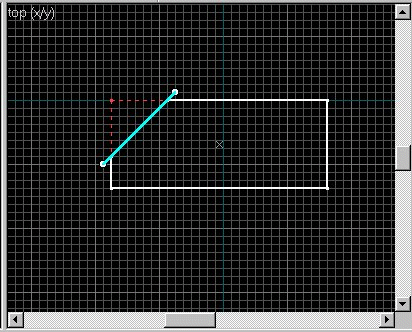
Now it should look like the right.. : )
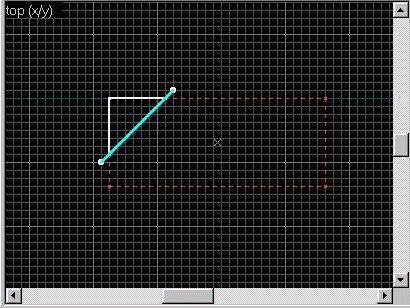
Now if the piece you want lopped off isnt right then click on the clip tool again and it will look like the three pics on the right.. there are 3 modes.
Now when you have it the way you want then hit return/enter and POOF its gone..
The Solid white lined one will not disappear as illustrated below. This way you can use both sections. Say you want a floor and ceiling to be the same slope. split the box diagonally and save both pieces. now you have a top and bottom for a sloping floor and ceiling.. : )
Now before Hammer came along, it used to make the clip lines Black.. not good when the background is black also. So I used to highlight the object after clipping and hit group objects and it would be color again, but sometimes this creates Ghost objects which then leads to errors when you try to compile. No more with hammer. After you clip it stays colored..
WOOHOO : )
Try playing with clipping and see how you do... Its all about trial and error.. : )
|