All PDM systems are equipped with a centralized and shared database. The data stored in the database are originated from many different departments and users. In order to protect the data, any unauthorized access should be prohibited. Therefore, access control should be properly set. Basically, there are three kinds of access:
| Computer system access | This level of access is user-based. After the user login, control is immediately passed to the PDM system. The PDM system can then take the necessary action to check whether this user has the authority to proceed. |
| Medium-level access | The role of the user determines this kind of access. For example, access to CAD data is restricted to design engineer, or access to CAM data are restricted to manufacturing engineer. |
| Low-level access |
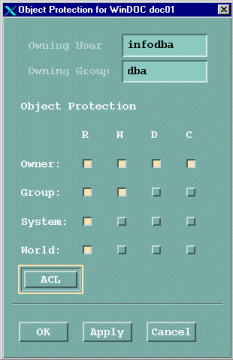
Access control is set on certain sensitive information such as costing or development data. The access options are very similar to computer file access.
|
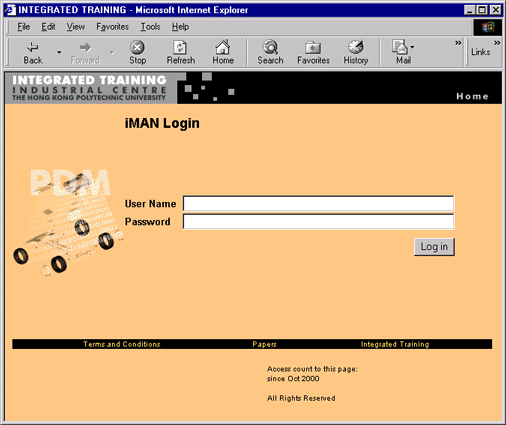
The users have to login to PDM systems in order to access the data inside. The figure below shows the web-based iMAN login screen. After login, the user can 'see' whatever data in the database provide that the user have the appropriate access right.
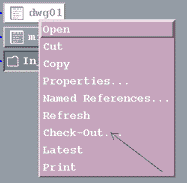
In some PDM system, the users can change the access control of specific file by activating commands. (See below.)
|
|
|
 |