|
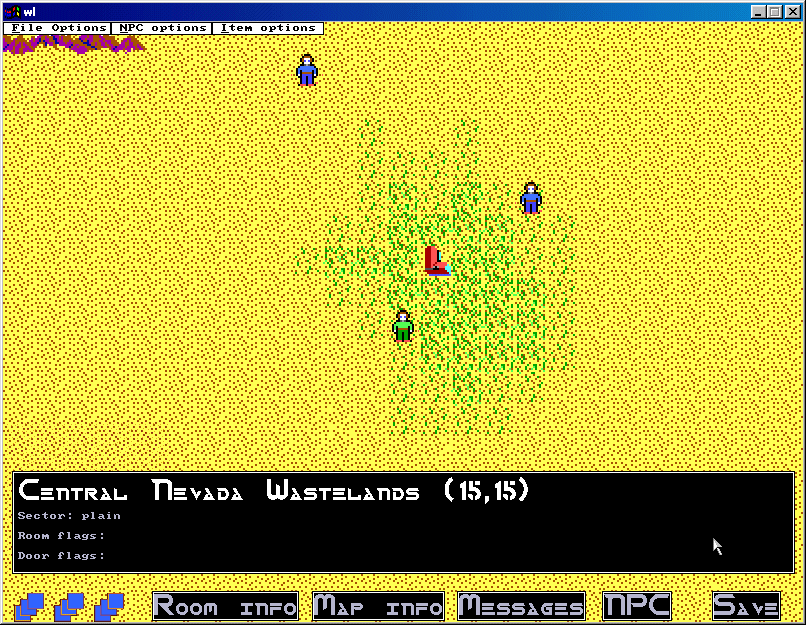
The map editor is not built to reflect the actual Wasteland look & feel. It is designed as a functional
interface for map building. The client will be implemented to feel like the
original Wasteland CRPG. Keep in mind that the editor is built as a functional map building
tool and is not particularly well designed.
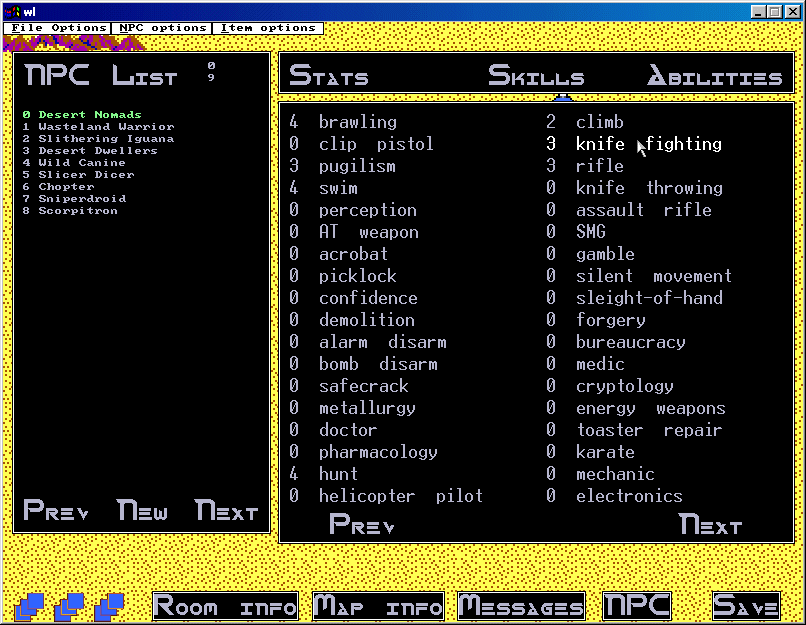
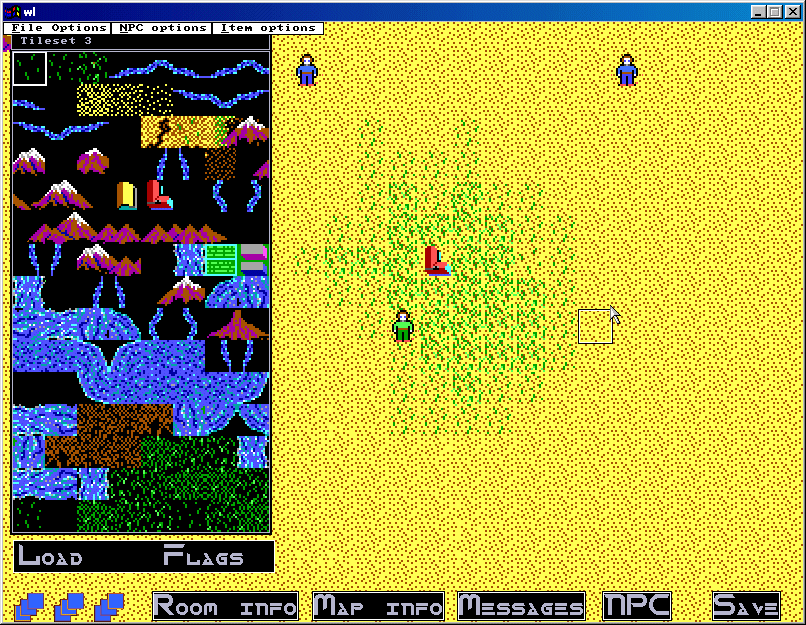
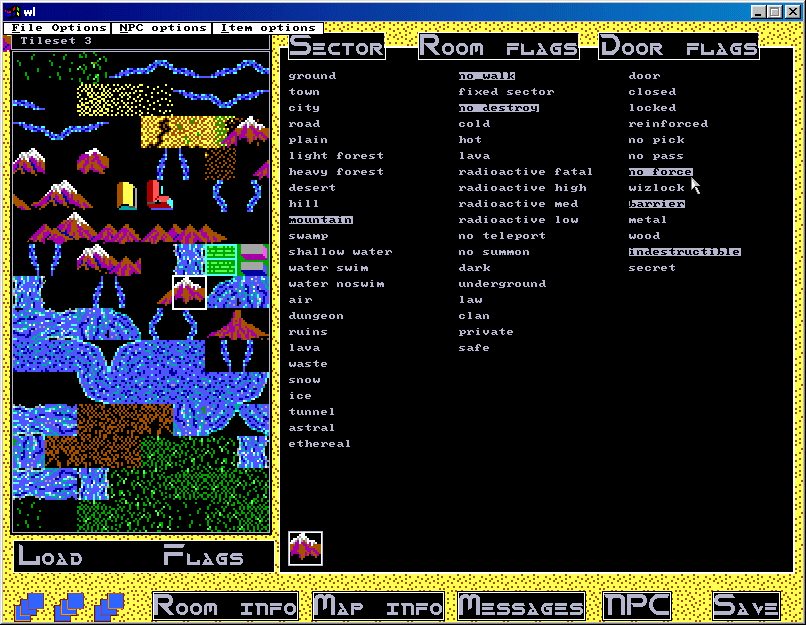
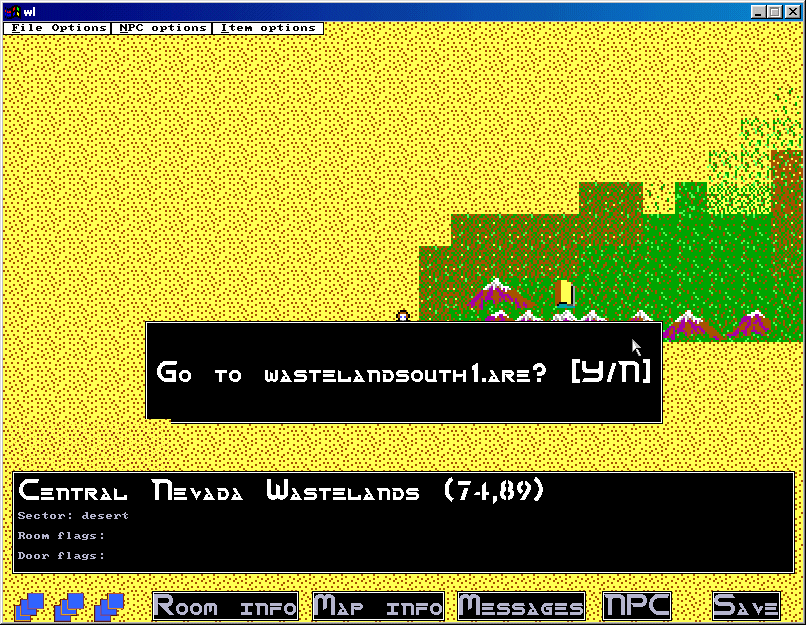
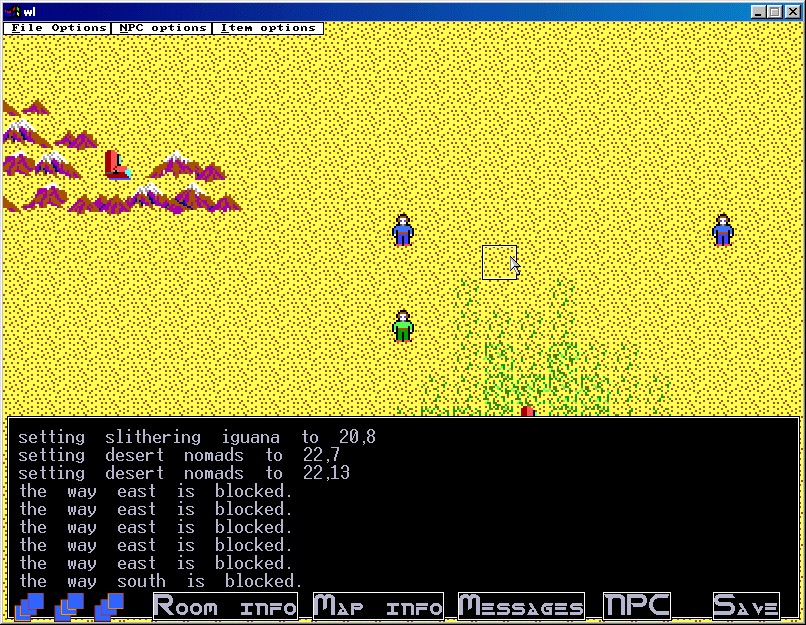
Below are some current screenshots from the development version of the map editor.
Downloads
(7th July, 2002)
You can download the editor application here (~686 KB).
This update added the following functionality:
* Ability to copy selected region of the map and paste it to other parts of the map.
* Global item index is provided (thanks to Quinn for this!). Correct stats for items coming soon.
* You can delete specific items from a room now (see Editor FAQ for info).
* You can delete specific NPCs from a room now (see Editor FAQ for info).
You can download the editor source code here - outdated! (~173 KB).
Documentation and information
Here is a sketchy FAQ for the editor: FAQ Editor
NPC scripting documentation (based on ROM2.4 MOB Progs)
The NPC scripting system in this game is ported from DIKU/ROM2.4 mob progs and essentially uses the
same control flow. The following documentation describes how to write NPC scripts (called MOB progs in ROM2.4).
Wasteland map builders should use this documentation when writing scripts for their NPCs as the format is
identical.
Special commands such as reloading and shooting will be added as soon as I get them implemented on the server.
Note: In the editor scripting/progs are implemented as far as parsing and script execution flow go but they will
NOT execute because the scripting should not create or destroy items on your map (it would ruin your original setups).
Finally, remember that the multi-player Wasteland game is a graphical one, not a plain text game like MUDs. The scripting system
was designed for MUDs but is ported to the MP-WL game by translating equivalent actions as required. You don't need to know exactly
how a command works in the WL game, just that it will perform it's required role :)
View the Mob Program How-To documentation here (HTML format).
Here are some example MOB Progs used in Rom2.4, but which would also work fine in the MP-WL game:
mobprog_examples.txt
You can also click HERE for some very sketchy info on current item and NPC formats.
Will write proper docs when builders start complaining.
The precompiled binary is built for Windows95/98/2000/NT only. If you are running linux you can try to download
the source code and compile it with the Allegro library (if you don't have this, you will need to obtain it--just
search the Internet for 'Allegro' and find a download for the libs). I'll try to add the required lib files to this page
when I get the time.
|