

I'm one of the proud owners of the Sinedot Addicts group started by Patti of Moons Designs and truly am addicted to the use of Philipp Spoeth's Sinedot Filter which you can get free here.
Each week Sandra Goodfellow of Artwork by Essexgirl sends us a Sine Challenge in which we take the Sinedot setting and do anything we want to it until we see a creation in the design. A lot of our members make tags, frames, pictures, etc.: Anything that their imagination leads them to.
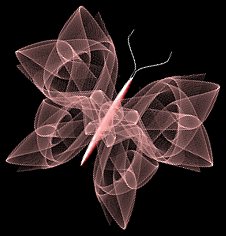
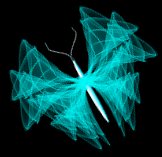
Well Sandra and I LOVE butterflies and this is THE filter to make awesome butterflies with. I decided to see if I could make a butterfly out of each of the settings that Sandra has sent through so far. Some are really kewl and some...well, if you use your imagination and look at the 'butterfly' out of the corner of your eye, it might look like a butterfly, lol. Oh well, my site...my page...my wicked butterflies, roflol...Hope you enjoy!
Each butterfly was made using the setting and color that was provided by Sandra and the only adjustments made were using either the vertical or horizontal perspective tools, resizing, rotating right or left, flipping and adding a drop shadow when needed. There were a couple of settings that used black or dark blue and I had to lighten the butterfly so it would show up here.
The body used for all the butterflies was made with the Preset Shape tool, flood filled with white and then colorized to match the butterfly.
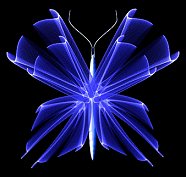
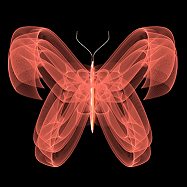
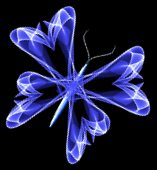
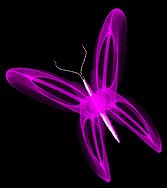
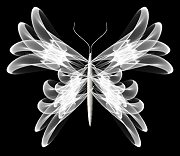
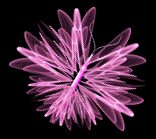
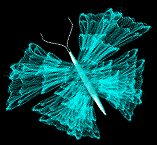
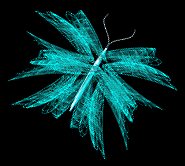
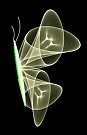
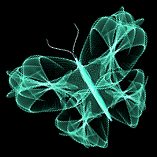
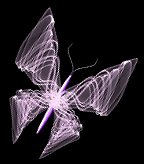
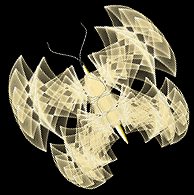
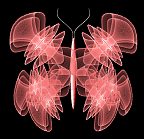
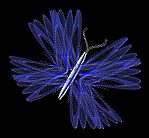
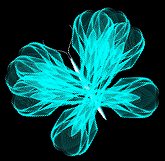
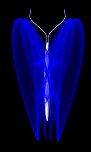
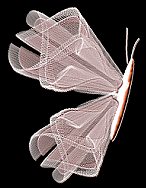
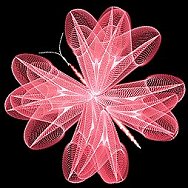
Hmmmm, these poor butterflies seem to need flowers or something to fly around, oh well...another project for another day, lol.
Please visit Patti's Sinedot Addicts homepage and Sandra's Essexgirl Creations, they both have fantastic tutorials to help you learn more about this fantastic filter.