|

 
Ok, I may be misleading ya'll with my calling this a tutorial section of my website. Because I will NOT teach you anything, challenge you, but not teach you, lol. I will give you the selections to make a graphic. The selections were made with Paint Shop Pro 7.04. After years of doing tutorials written by awesome graphic artists (thank you all), I found that I had advanced enough that I just liked to use the selections and make the graphic MY way. I felt more challenged that way, plus I fell in love with vectors! Now whenever I find a picture that I really like, I make it mine...I vectorize it, lol. I know vectorize is not a word, but it is now a quihikat word, lol.
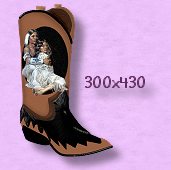
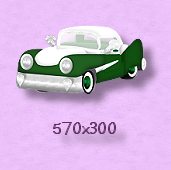
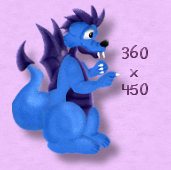
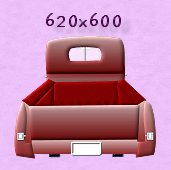
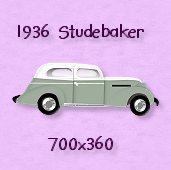
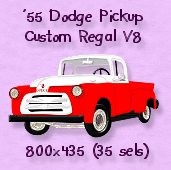
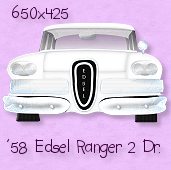
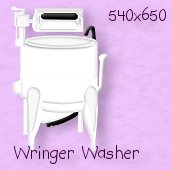
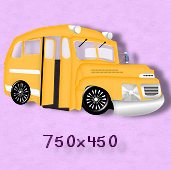
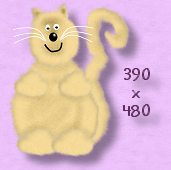
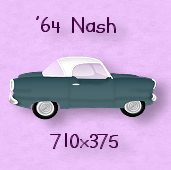
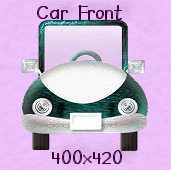
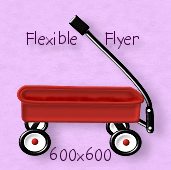
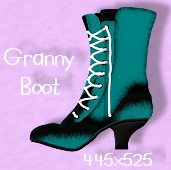
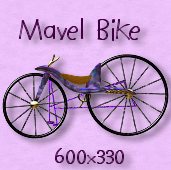
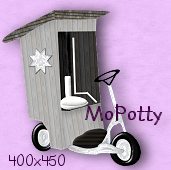
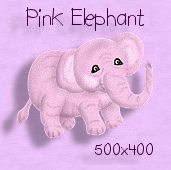
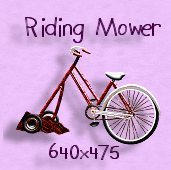
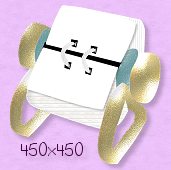
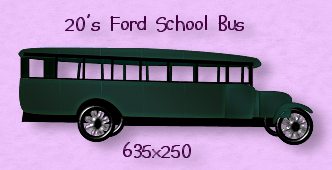
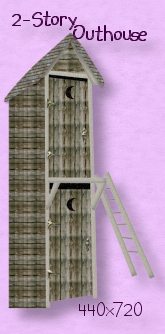
Below I offer you zip files of selections used to make the graphic. The only guide you will have is the picture you left click on to get the zip file. You can right click on the picture if you like and save it to YOUR hard drive, to give you an idea of WHAT you will be creating. There are no instructions to make this graphic at all, so you must have a good working knowledge of Psp and using selections. The only hint I will give you is to put each selection on a separate layer and SAVE OFTEN! OH, OH...one thing you might find occasionally is that the selections don't quite fit. No problem. Use the deformation tool, contract or expand tool, etc. This truly makes the graphics yours. I'm not admitting that these ole eyes didn't make purrfect sels, lol. You can use whatever colors you want, filters you want, shoot anything to make the creation truly yours. All I ask is that you not claim the selections as your own or put them up on another site. It did take me a while to 'make' these files for you to enjoy. The graphic you create is YOURS to do with what you want. OH, please don't send this page or any other through emails, but you may send the links...that doesn't use bandwidth. No links back to my site or anything is required. Just have fun! OK, here we go... One last thing...the size of the window you need to start with is below the picture of the graphic you will be making. I always start with a transparent background.
|