I've decided that I would do my best to explain in my own words how to use a mask..I never written a "tutorial" and I don't intend this to be, but rather an explanation...
With that said, let's get started shall we?
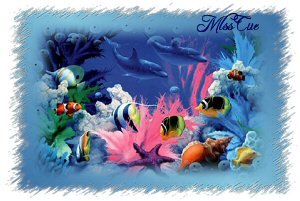
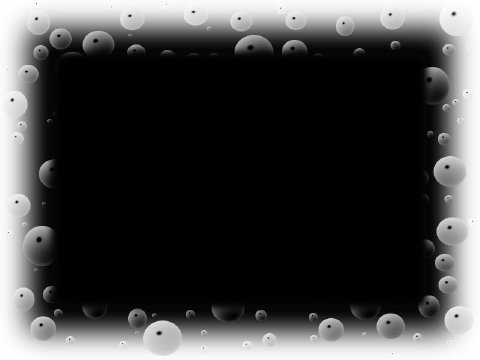
We will use the mask attached, as well as the graphic. Or ones of your own.
1) First you want to open up a graphic (picture) of your preference, or the one I attached. The size on this doesn't matter, though I like to not have mine go over 500 on the longest side. Make sure to do a SHIFT D, if you want to save it for using again, and close out the original, working on the copy of the picture.
2) Now open your mask in psp and minimize it...making sure to pay attention to the name of your mask. The one I've attached is named "bubbles"
3) With your picture active, go to Layers-New Mask Layer-From Image and go to the drop down menu and choose Bubbles, or whatever mask you are using. You want Source Luminance marked as well as Invert Mask.
4) On your layers palette you want to merge group on your mask layer.
5) Ta Da! Your mask is applied. :-) You can now merge or if you want further effects you can add a new layer, move it to the bottom and flood fill with a color or gradient.
On my tag above, I applied a gradient then resized my graphic layer by 80% used the Filters Unlimited edge effects and then merged all.
Even if you don't use what I have said here, just go in and start opening up graphics, and applying mask from image or layers>load mask>load mask from disk and use any one of them. Or by opening up a new image and flood fill with a color, gradient or pattern then applying a mask. There are many ways to apply mask, as well as effects while using them, don't be afraid to play around and delete what you don't like. You could change the blend mode on your mask layer, this also gives a neat effect. You could add a tube, or accents. just make it yours and have fun, and don't let the mask intimidate you, let it know you have the upper hand! LOL
If you have any questions feel free to email me.
Hugs,
Diana