Open your glitter in Jasc Animation Shop
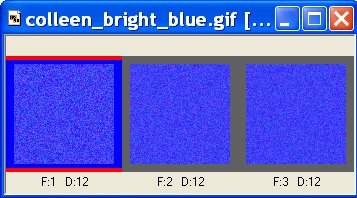
Click on the glitter animation,
Click on Edit - Select All,
Click on Edit - Copy
In Paint Shop Pro,
Click on Edit - Paste - AS Animation as Multiple Images
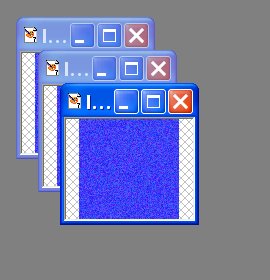
Open a new image, mine was 400 x 300 with a transparent background.
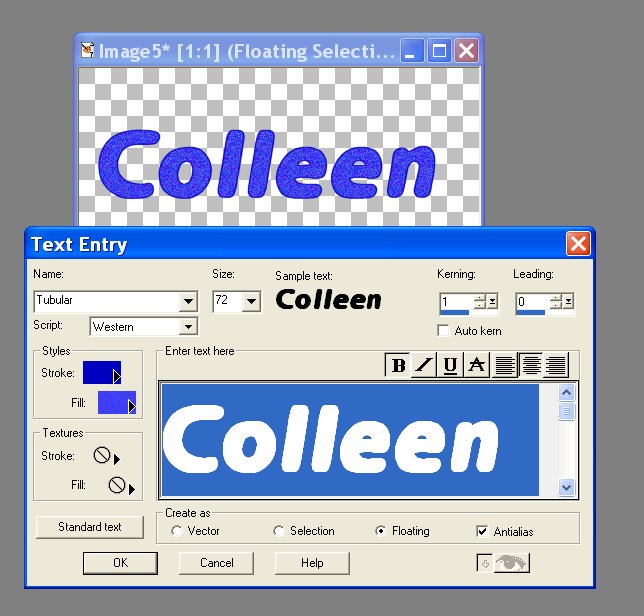
Select a wide text, I used tubular.
Select a solid color for the stroke, and glitter 1 for the fill.
Select Floating Antialias, click okay.
Then you get the first image of your name in glitter.
Click on Image, Click on Copy - go into Animation Shop and Click on Paste
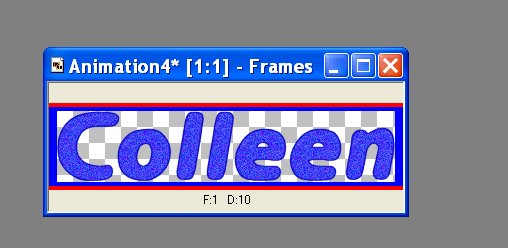
Go back to PSP and delete your name. Start over with selecting your text, change the pattern to glitter number 2, click okay. That will be your second image in glitter
Click on Image, Click on Copy - go into Animation Shop
Click on your 1st Image,
Click on Paste Before Current Frame
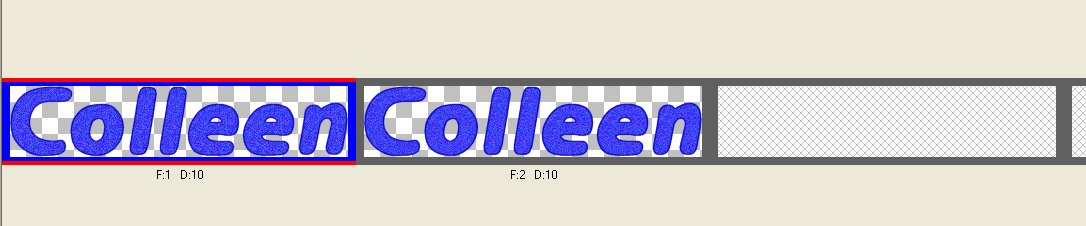
Repeat again, by deleting the name in PSP, and making it again with the third glitter.
Repeat again, by copying and Pasting before current frame, now you will have three images.
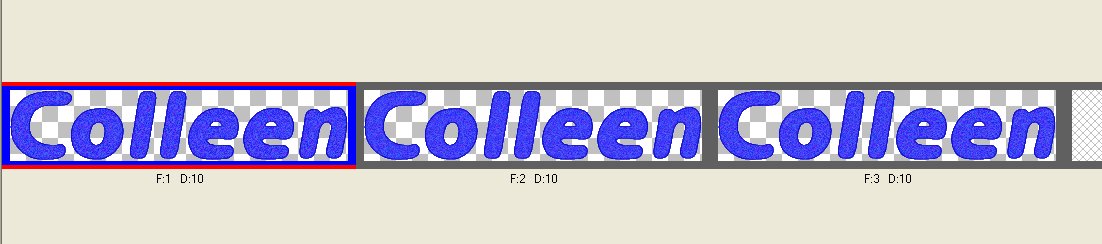
Click on the animation button.


Save animation, you're done!