|
|

|
|
3XONE
Free Advertising
|
|
|
|
|
3XONE
Free Advertising
|
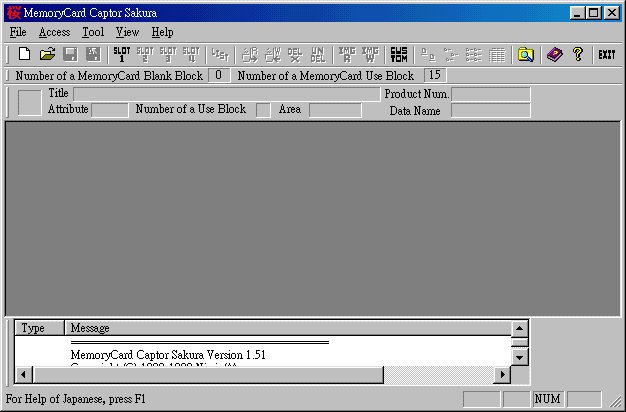
程式介面

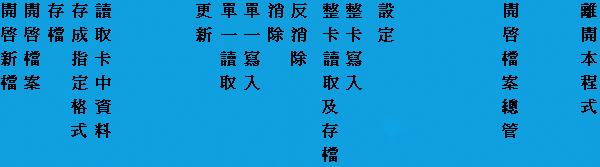
按下 設定:
設定:
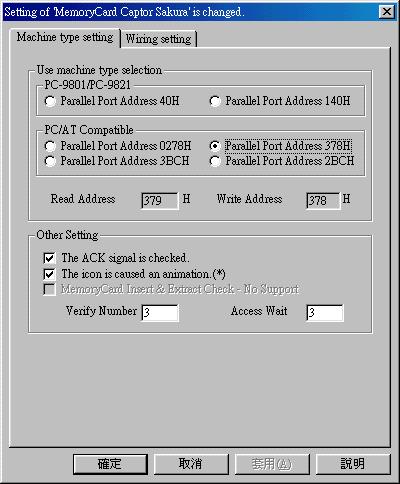
Parallel Port Address 通常是 378H,若不行,請執行 ltp.exe去了解。
ENABLE - ACK (Acknowledge) signal is checked
ENABLE - The icon is caused an animation
Verify Number = 3 , Access Wait = 3 。
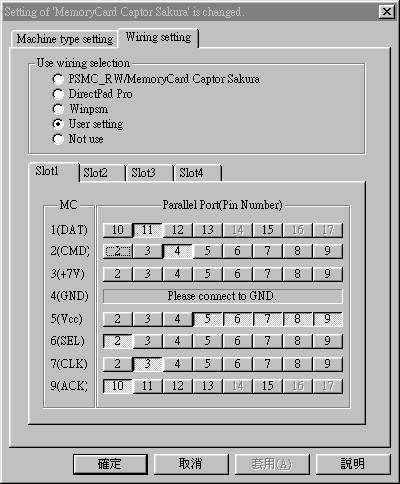
選擇 User Setting
如何觀看卡上資料:
按下 讀取卡中資料
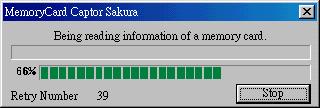
資料讀取中
這時可存檔成*.ps( )或存成指定格式(
 ),如Bleem!,PSEmuPro等格式
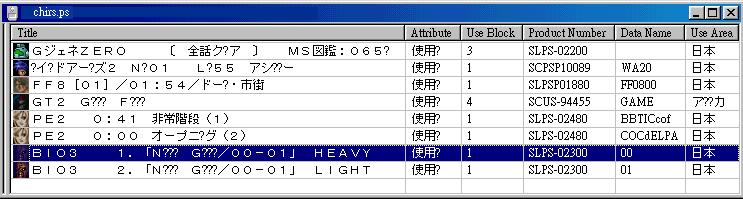
如何寫入整張卡資料:
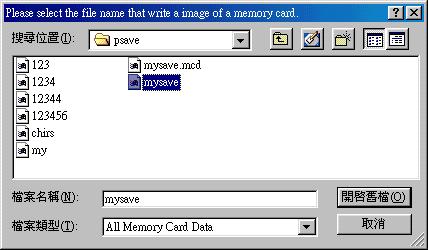
按下 整卡寫入
, 並選下檔案
整卡寫入
, 並選下檔案
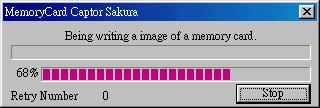
資料寫回卡中
*** 請確定有足夠的空間
如何讀取整張卡資料
按整卡讀取 , 並按入存檔名稱
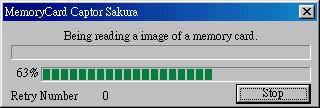
資料讀取及存檔
如何Del單一資料
選擇要消取的遊戲存檔,
按下  del,
或按
del,
或按 反del
反del

icon程透明 狀態為del
如何讀取單一資料
選擇要存檔的遊戲存檔,
按下 , 並存檔
, 並存檔
在中文windows + njstar環境下
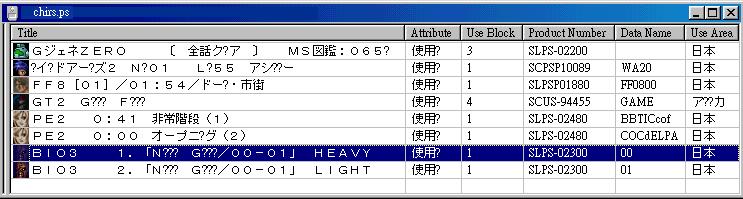
在日語windows環境下
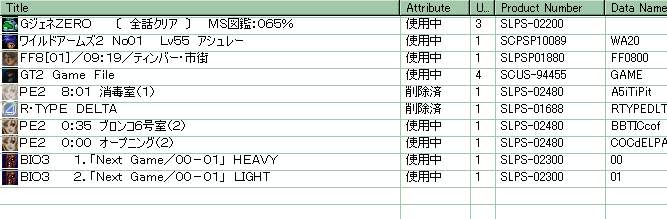
如何寫入單一資料
按下 , 並選擇檔案
*** 請確定有足夠的空間
(c)未經同意,不得轉載網頁14/03/2000