SM = Swap Magic / AR = Action Replay / PS2 = Playstation 2
1. Load AR PS2 CD

2. Enter Game Selection - D-pad Down 1 - Press X
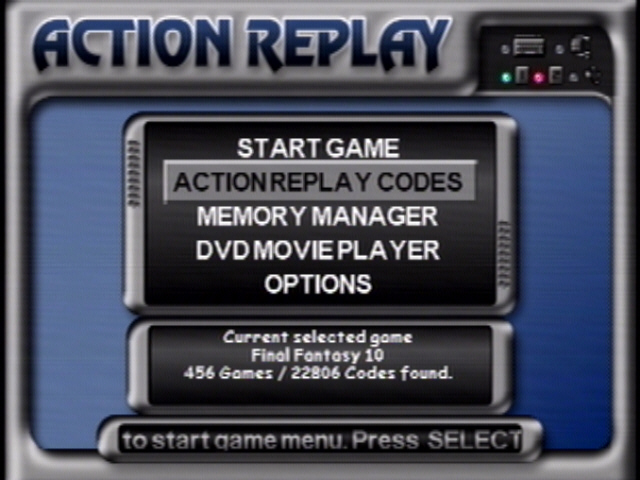
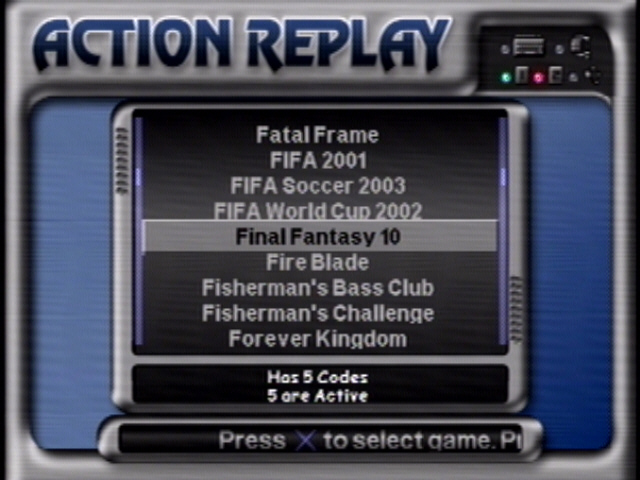
3. Select your game - D-pad Up/Down Press X
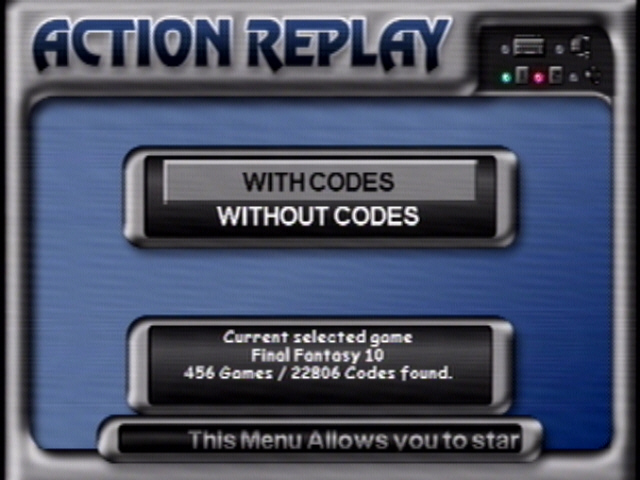
4 . Start game with Codes - Press X
5. Press the Eject button and swap cd with SM DVD - Press Eject to load SM DVD
- Press X
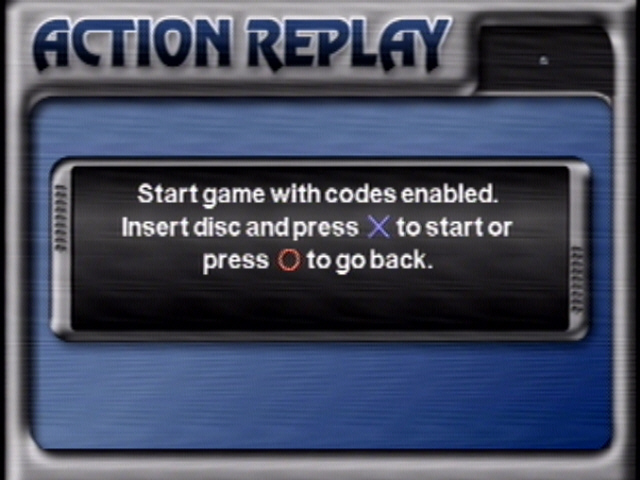
6. Waite for SM DVD screen to load.
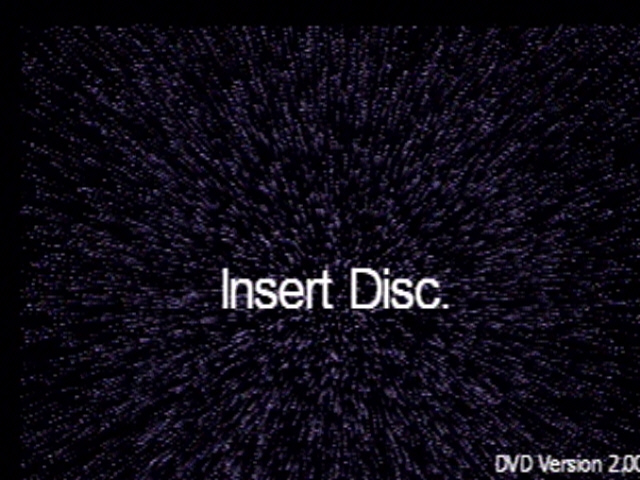
7. USING the SWAP METHOD BY the hold Eject or using the fliptop.
Swap it for the DVDLoader. Press X - Waite for Screen
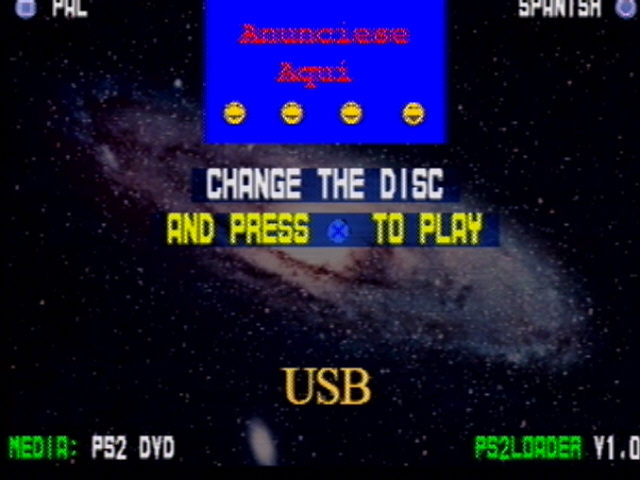
8. Press the Eject button and swap DVDLoader with SM DVD - Press Eject to load
SM DVD - Press X
You'll need to press X TWICE.
Press X to load - Waite for Screen.
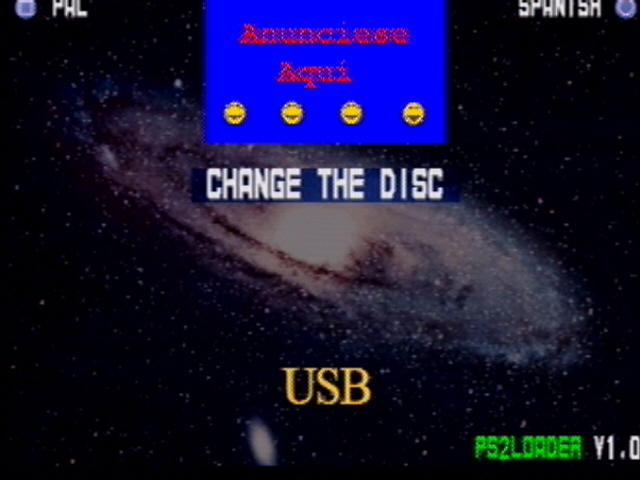
Press X to load - Waite for Screen.
Needed Screen
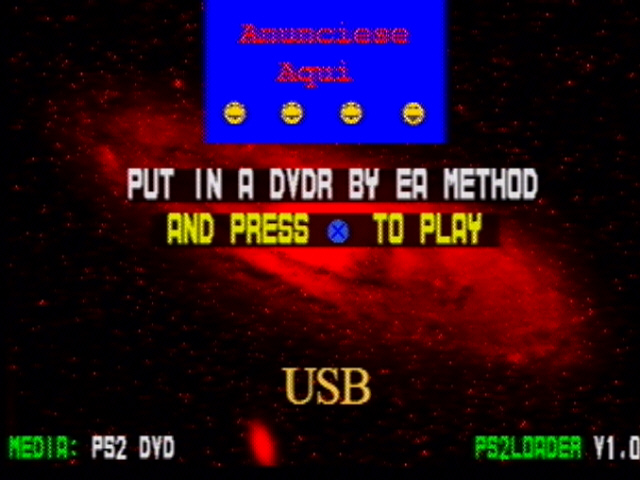
9. USING the SWAP METHOD BY the hold Eject or using the fliptop. Swap it for
the Legal Backup. - Press X.
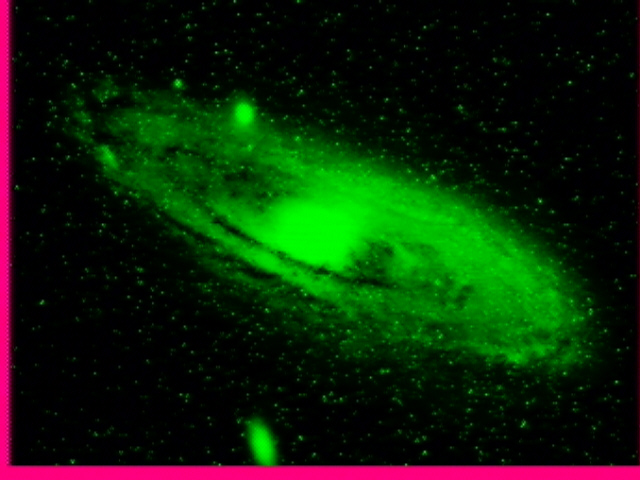
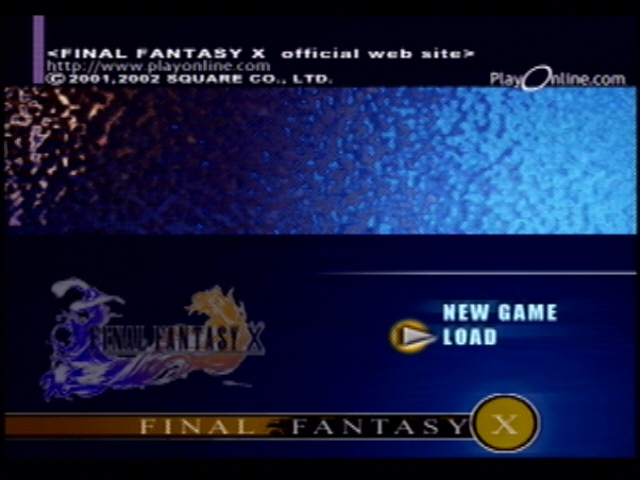
10 . Play Game
Print Form