| (I know this has nothing to do with Freddy, but because of the new Freddy vs. Jason movie, I thought maybe someone would like this game) 1. To play the game you must first download an emulator to run the game. 2. I like the rocknes emulator. Go to this website http://rocknes.kinox.org/ and choose what ever version of rocknes you want. 3. After you have downloaded the emulator, download the game. 4. Click on the link to download the game: 5. You should not have to unzip it, but you can if you want. 6. Be sure to save the file in a rom folder. (There should have been one when you downloaded the emulator, if not just create one.) 7. To play the game, run the rocknes emulator. 8. Press VIEW in the menu bar. 9. Press REFRESH GAME LIST. 10. You should see fridaythe13th.zip under ROM FILE NAME. 11. Double click to play the game. 12. For how to play the game click here: Walkthrough |
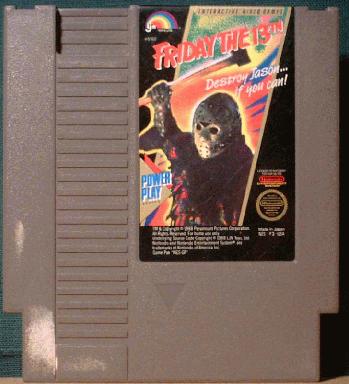
| INSTRUCTIONS FOR HOW TO DOWNLOAD FRIDAY THE 13TH NINTENDO GAME |
 |
 |
 |
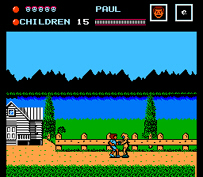 |
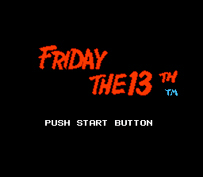
| Screen Shots |
 |
|
 |