 |
|
|
|
|
|
|
|
|
 |
|
|
 |
 |
 |
|
 |
 |
|
 |
 |
|
 |
 |
|
 |
 |
|
 |
 |
|
 |
 |
|
 |
 |
|
 |
|
 |
 |
| Welcome to my gallery. I've tossed together a few examples of picture modifications that I made using Paint Shop Pro. Paint Shop offers several of the tools available in Photoshop, but has a much simpler interface, more suited for dummies like me. |
 |
| Gallery 1......Attack of the Clone-Brushes |
 |
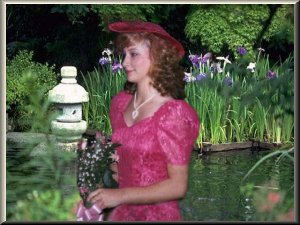
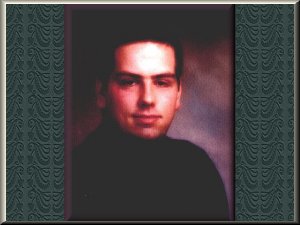
| Here's an example of the use of Paint Shop's Clone Brush tool. The photo shown below took only 30 minutes to create and made a great print. |
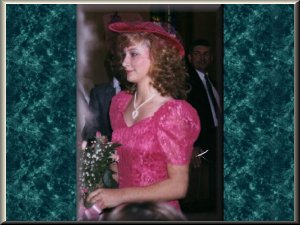
| To the left is another picture cloned from 2 images |
| Here I got an interesting result. Some resizing was needed and a lot of careful cloning. It took about an hour for this one. |
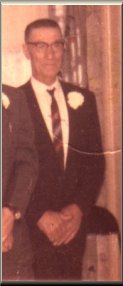
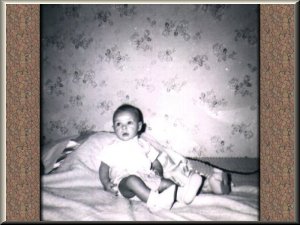
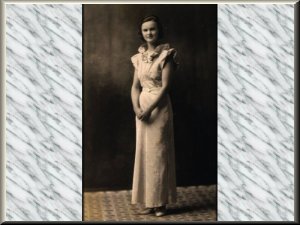
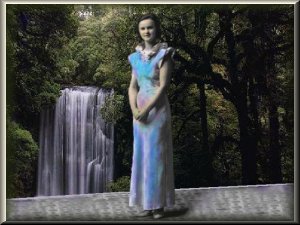
| Combining use of the Clone Brush and Airbrush tools, I was able to colorize and clean up some old photos. It came out pretty good for my first attempt. |
 |
 |
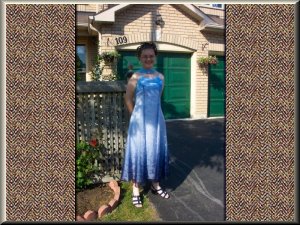
| Here's another. Once again, Clone Brush and Air Brush was all I needed. |
|
| Gallery 2......The Twilight Zone |
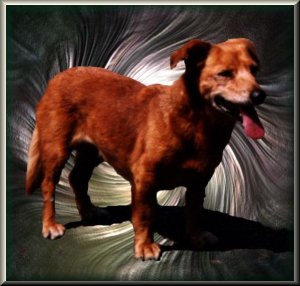
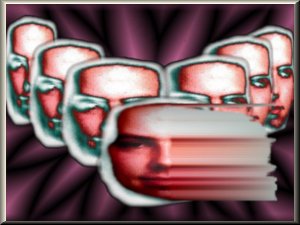
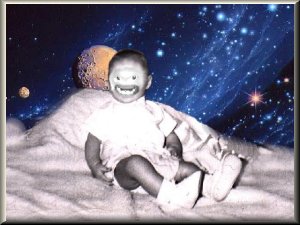
| Here's what happens when a guy has too much time on his hands and a sick imagination. Don't worry, I've been taking my medication and I am feeling MUCH better now.......haahaahaa. |
 |
| Yikes! |
| Is nothing sacred? |
| I can't even remember, how I made this one. Pretty cool 'though. |
| All right. Now this is just getting silly! |
| I titled this one "grounds for divorce" |
| Well, thats it for now. I think I did enough to piss off my family and friends. Don't worry. They got even. But that's a story for another day, |