
This tutorial is for PSP7. So if
something doesn't seem right
email and I'll see what I can do to correct the
problem that you're having.
All graphics are done with:
You will also need this plugin


And you will need this FONT or you can use
your own.

This tutorial is also available in Adobe
Acrobat Reader format
Ok, here goes nothing........
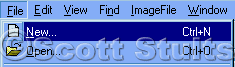
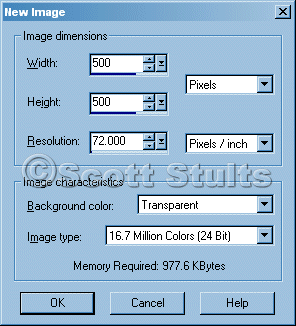
Open a new blank image
Use the settings below.
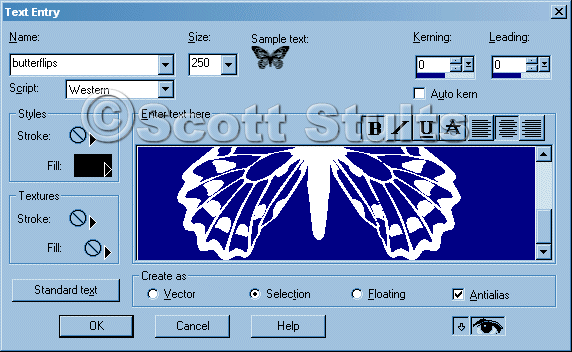
Now go to your text tool.

Use the setting I have below.
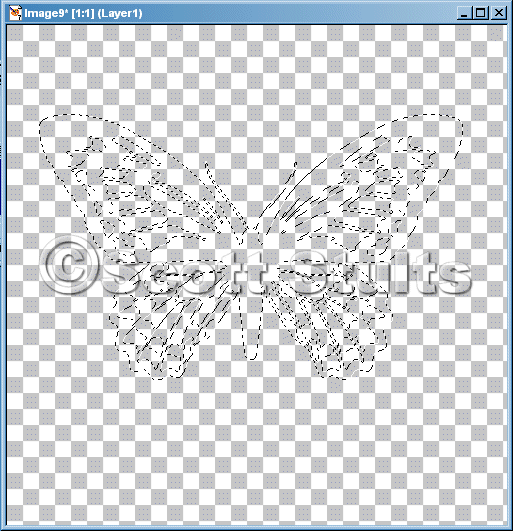
Below it what it should look like.
Now go to your 3D Effects / Cutout
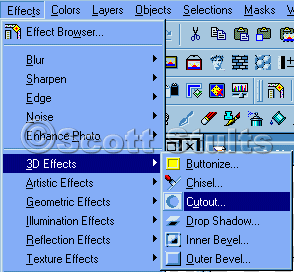
And use the settings I have in the picture below and hit OK.
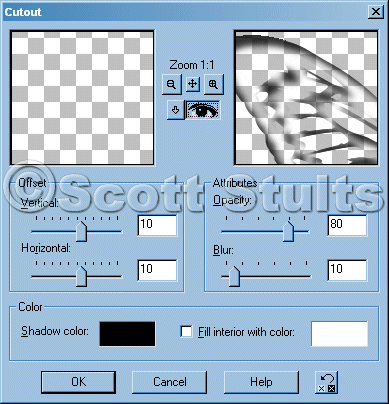
Now it should look like the picture below.
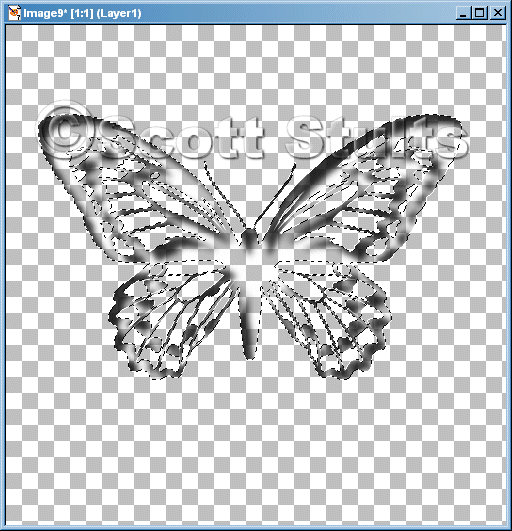
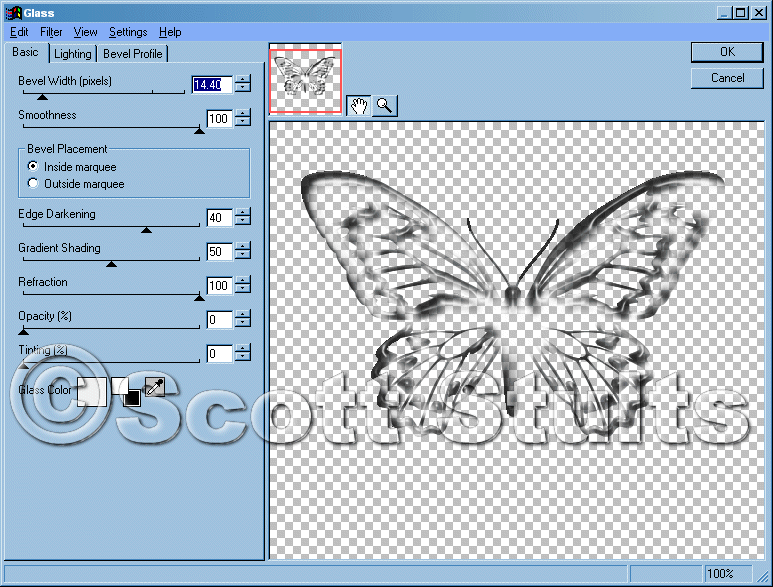
Go to Effects and find the Eye Candy 4000 the go to the Glass
Effect.
NOTE: This part you don't have to do, I just did glass effect to make
my cutouts different for all the rest.
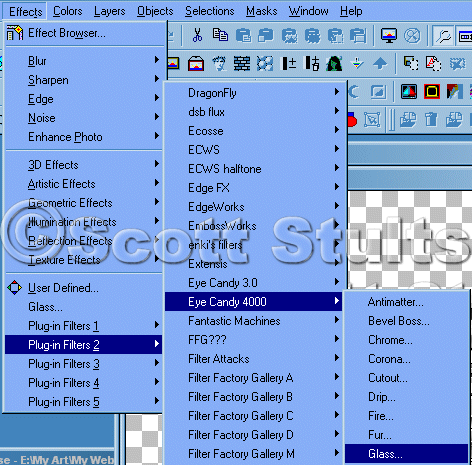
And use the settings I have here or play with the settings to fit your needs.
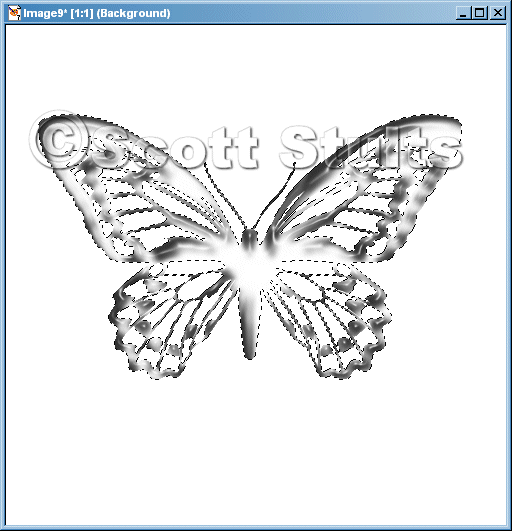
Now it should look like the one below.
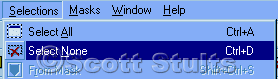
Now Select NONE
Cut or Copy the image
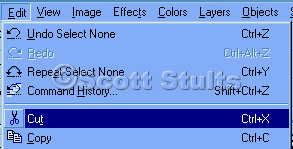
and past it a a new image.
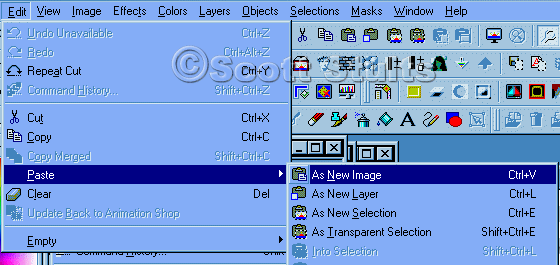
and then flatten it or you can keep it transparent to use a Picture Tube.
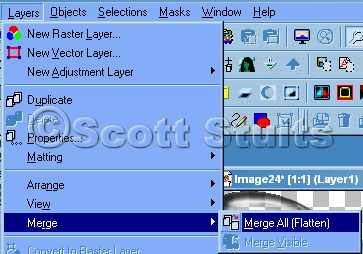
And you are all done!
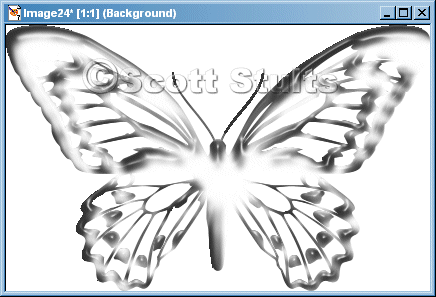
Hope you enjoyed this tutorial!
Here's a finished one. Click here
Copyright © 2003 Scott A. Stults (aka Pinball)