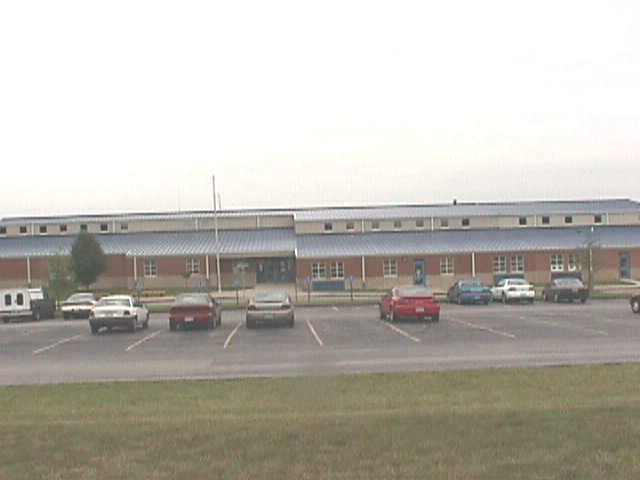
Use these to manipulate the image:
Click on the floating window, then
ARROW left to pan left OR click/hold and "push" left
with the mouse cursor
ARROW right to pan right OR click/hold and "push" right
with the mouse cursor
Use these to manipulate the image:
Click on the floating window, then
ARROW UP to pan UP click/hold and "push" up with the mouse cursor
ARROW DOWN to pan DOWN OR click/hold and "push" down
with the mouse cursor
Click on the small floating window then
use the CTRL key to zoom OUT.
Click on the small floating window then
use the SHIFT key to zoom IN.