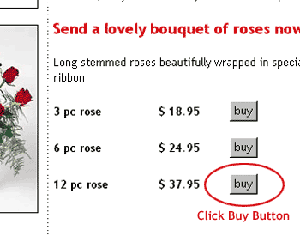
Select
the number of roses that you want to buy and
click on the buy button, once you click the
buy button your order will be added on you
shopping cart.
Step
2 :

Once
you have click on the buy button a new window
will open displaying a message (see above
image).
Step
3:
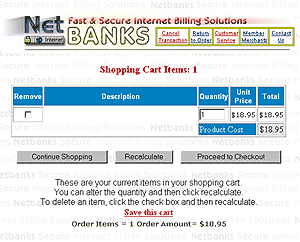
You
will see that you order has already been added
on you shopping cart. You can still add more
orders by clicking on the continue shopping
button or type in the quantity or number
of items you want to buy. Once you have made
changes on the quantity click on the recalculate
button to change the price. (note
: if you dont recalculate your additional
order will not be included).
Step
4:
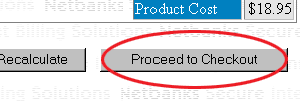
Click
on Proceed to Checkout Button if you
have finished shopping and want to continue
on payment.
Step
5:
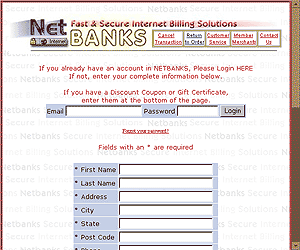
Fill
out all the information on the order form.
*Importan
:
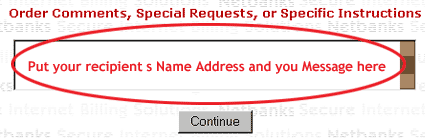
It
is important that you put you recipients Name,
Address and your Message on the order comments,
special request, or specific instruction box.
Click
here to go to the Next Page ->