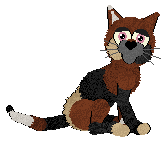
First zoom in on your image, you can either do this by going to View (loctated on top toolbar), Zoom, Zoom In By 5 Steps. Or by using the Overview Pallette.
Now select the Paintbrush, which looks like this:
 , and adjust it to the following size setting of one.
And now set the Paintbrush colour white, like this:
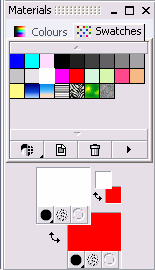
Now go to the image, and paint the following pattern on the pet'z eyes. If you experiment with this pattern different effects will be created.
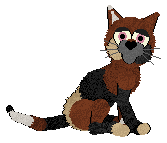
This is what my new sparkley eyed pic of Jade looked like..