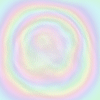
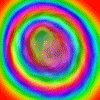
Then choose the hue button which should look abit like this..
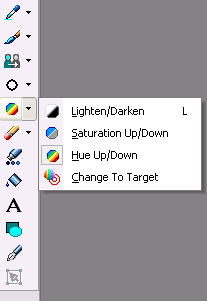
And now change the settings to this...

Now draw with the Hue tool on your picture, different effects are made with different techniques. For example drawing in small circles will create a radiating spiral effect.
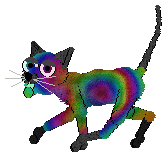
Here are some pictures that I made, using different colours and pictures....