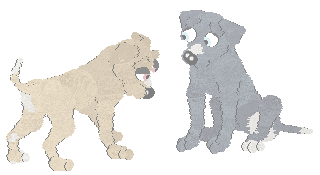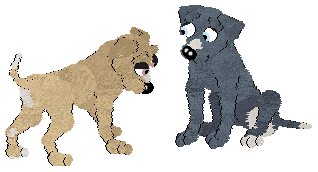
First of all open up a new image which is just larger than the image you're wanting to fade. (You do this by going to file, new, then changing the width and height). The image background should be the colour or pattern that you want your chosen picture to fade into. In this case this is white.
Now you have to create a new raster layer on the blank image you created, you do this by going to Layers, New Raster Layer, then clicking OK.
Now you need to copy and paste the image you're wanting to fade onto the new blank image you just created.
You are now on the last step! at the right side there should be a layers pallette which looks like this. (If you do not see this go to View, Pallettes, Layers, and it should appear).
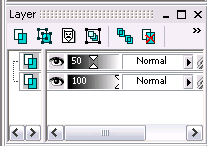
You need to slide the visibilty of the top layer to 50, as shown in the pic.
You should now have a faded pic! This is the one i created.....