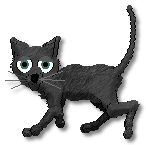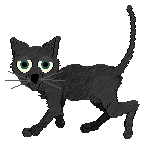
First off select the Magic Wand and click in the white area in the photo. The Magic Wand button looks like this:
 Then go to Selctions (located on the top toolbar), Invert.
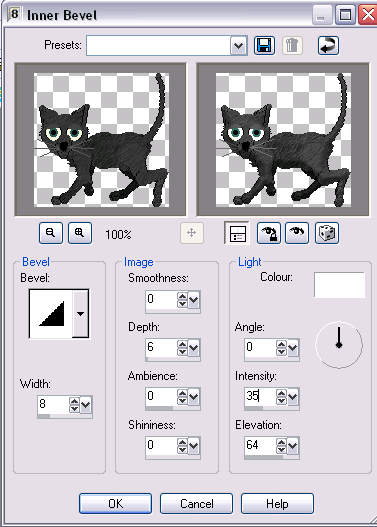
Now go to Effects(located on the top toolbar), 3D Effects, Inner Bevel. Then adjust to the following settings:
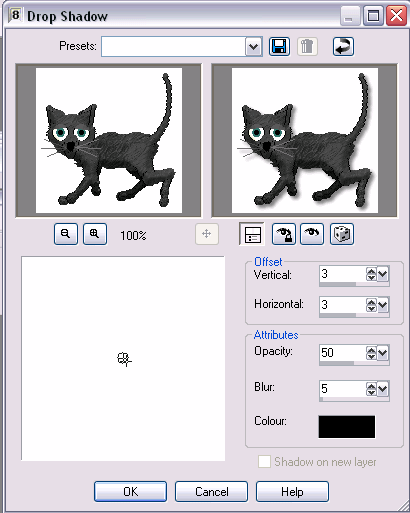
Next go to Effects, 3D Effects, Drop Shadow. Then adjust to the following settings.
Then go to Selections, Select None, and... ta da! your pet is 3d!!