 |
 |
| Email me with comments or suggestions - [email protected] Or leave a message on the general board. This tutorial was for learning purposes only and should only be LINKED TO(www.geocities.com/peachrosewagner) , no other permission is granted otherwise. This tutorial was written on August 23rd, 2004.
This tutorial is copyrighted to Peach. This tutorial was written by me Peach on August 23rd, 2004 in my Word Program with my own words. You may link to this tutorial only. Thank You! Peach |

|
 |
| This tutorial will show you how to color in an outline. You will also learn how to use your magic wand tool and flood tool.
Outlines can be used to make a sig tag, add to a project or perhaps make a webset. It's really up to you what you choose to use it as. |
 |
 |
 |
 |
 |
 |
 |
 |
|
 |
|
|
| Tools you'll be using. |
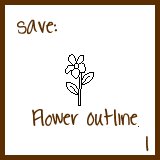
| First off we want our outline. So we will use this:
Please right click and save to your own hard drive. |
| When you right click and save it, the image will more than likely not be transparent.
Zoom in several times (maybe two or three- just enough so you can see what you are working with) Right click on your layer palette on where it says "background" the drop down menu will appear and choose promote to layer. Next, take your magic wand and click in the area outside of the flower or outline and hit your delete button or choose edit> clear. Continue to use your magic wand to clean out the inside of the flower. We want to keep the black outline, but make sure it's clean enough to color. You should now have a black outlined flower on a transparent background. |
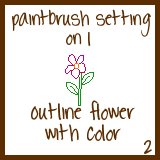
| Take your paintbrush with settings on 1
Choose a color, you can always use colors from color palette page. |
|
| Now your flower should have a colored outline, instead of a black one.
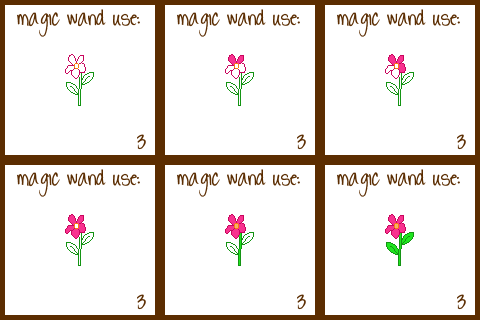
Next we are going to fill in your outline. Take your magic wand and hold the shift key and click inside each of the petals. Then take your flood fill tool and flood fill the petals with a slightly lighter shade then your outline. |
| Now do the same for the stem and leaves.
And now you are finished. |