FOR THE STUDENT
MILLIONAIRE
Read the following carefully BEFORE opening the URL.
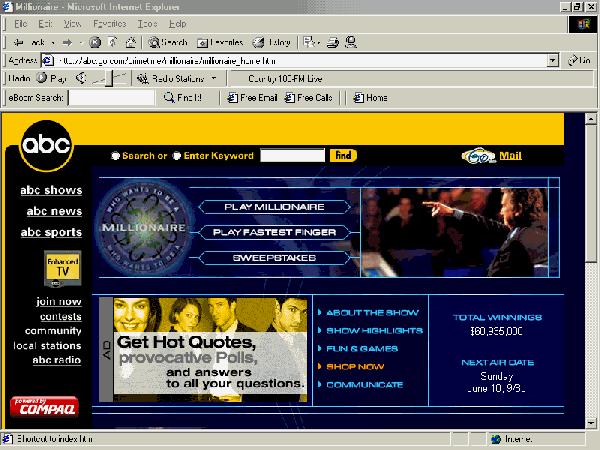
Your screen will show the following:
2. Enter "PLAY MILLIONAIRE'
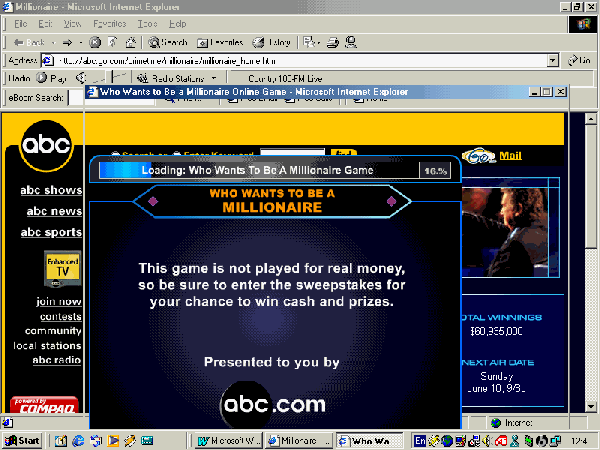
The following screen will appear. Wait 2-3 min. while the game downloads.
The light blue line at the top will show you when to begin playing.
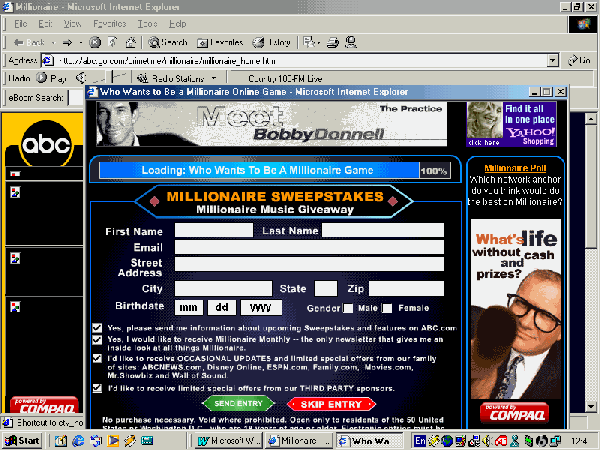
3. You will now see the screen below: DO NOT fill in your name and address.
Scroll down to the red SKIP ENTRY sign and enter.
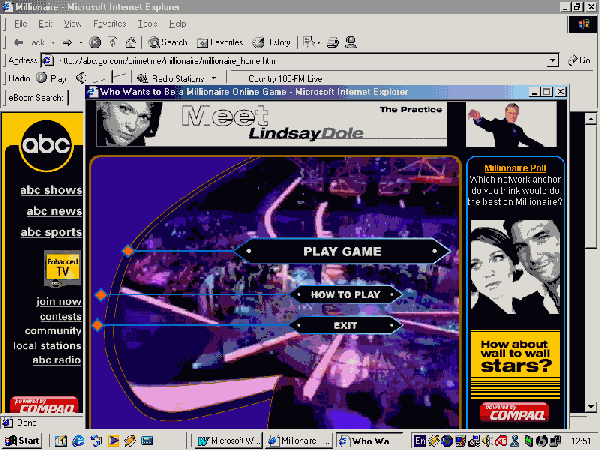
Don't forget to turn use your earphones so that you will not disturb your friends!
Enter URL: http://abc.go.com/primetime/millionaire/millionaire_home.html
Enjoy yourselves!