Snow*
This is how you add snow to a picture using Photoshop
I
am using this picture but you can do it with nearly any pictures
Add
a layer using the tool highlighted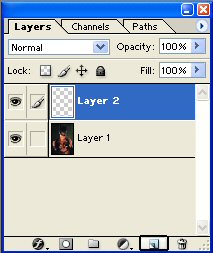
fill
this new layer in black 
At
the top of the screen click Filter-noise- add noise... and apply the settings
shown below 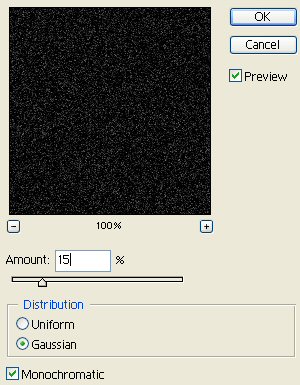
Your
Image should now look like this: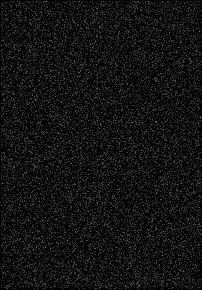
In
the layers window select screen from the drop down menu as shown
here
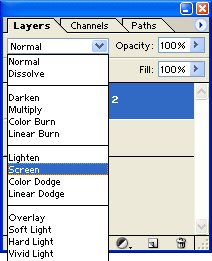
Your
Image should now look like this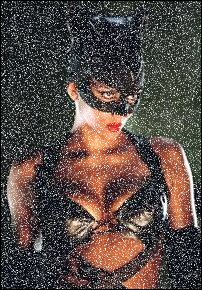
From
the top of the screen click Filter- blue- motion blur and apply the settings
shown below 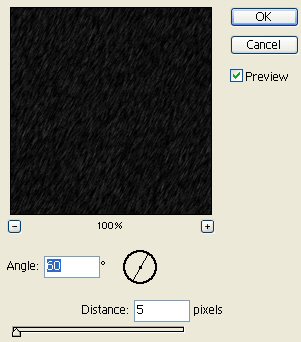
Here
is my final Image 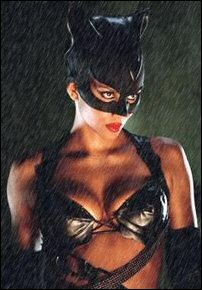
This tutorial and all images used are owned by Phil at panda_pixels© so don't steal them because that just proves you can't do it yourself