Polaroids*
This is how you make Polaroids on your computer using photoshop
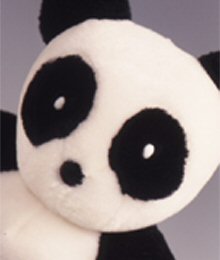
here is my image it is w=220x h=260
Open another image the same size and make the foreground color #EBEBEB :

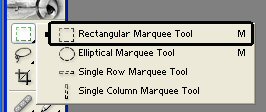
choose the rectangular marquee tool
Make a selection like mine here
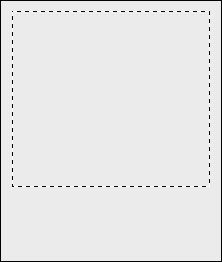
now press delete on your keyboard =)
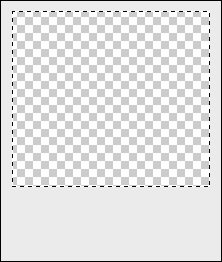
copy the image you chose in the 1st place and paste it as a new layer underneath the Polaroid layer
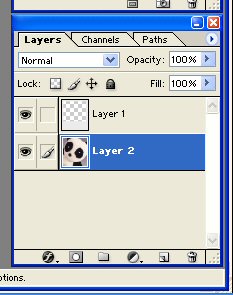
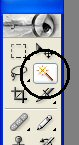
click on the magic wand ---* tool
select the Polaroid layer
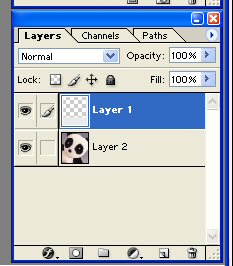
using your magic wand click anywhere you want on the Polaroid layer and it will look like this:

now click on you images layer
and press delete on your keyboard =) next press deselect (ctrl + D)... then at the top of you screen go to Layer-layer style-and click stroke and apply the settings below
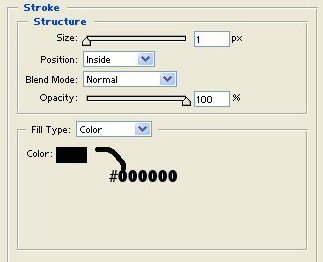
Now add your caption for my caption I am using heffaklump which you can download here

*YaY* you now own an online Polaroid
This tutorial and all images used are owned by Phil at panda_pixels� so don't steal them because that just proves you can't do it yourself