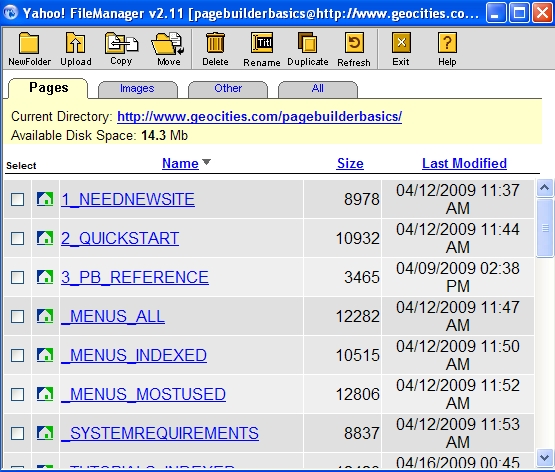
| This applet will appear for you: |
| Simply scroll through all the files you've uploaded to use in making your Web pages. Choose the tab for the file type you're looking for. NOTE: Under the "Other" tab you will find files like .WAV, .MID, .AVI, .SWF, etc.. |
| PageBuilder (PB) Basics |
| FILE MANAGER |
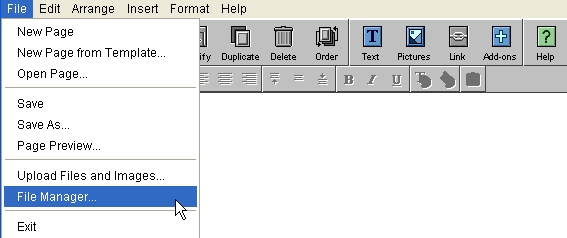
| 1- START 'FILE MANAGER' GO File>File Manager... like this: |
| 2- SELECT A TAB AND SCROLL: for files you want to DELETE, MOVE, RENAME, etc.. |
| IN 2 STEPS |
| 1- 'START FILE MANAGER' 2- BROWSE YOUR SITE'S FILES |
 |
 |