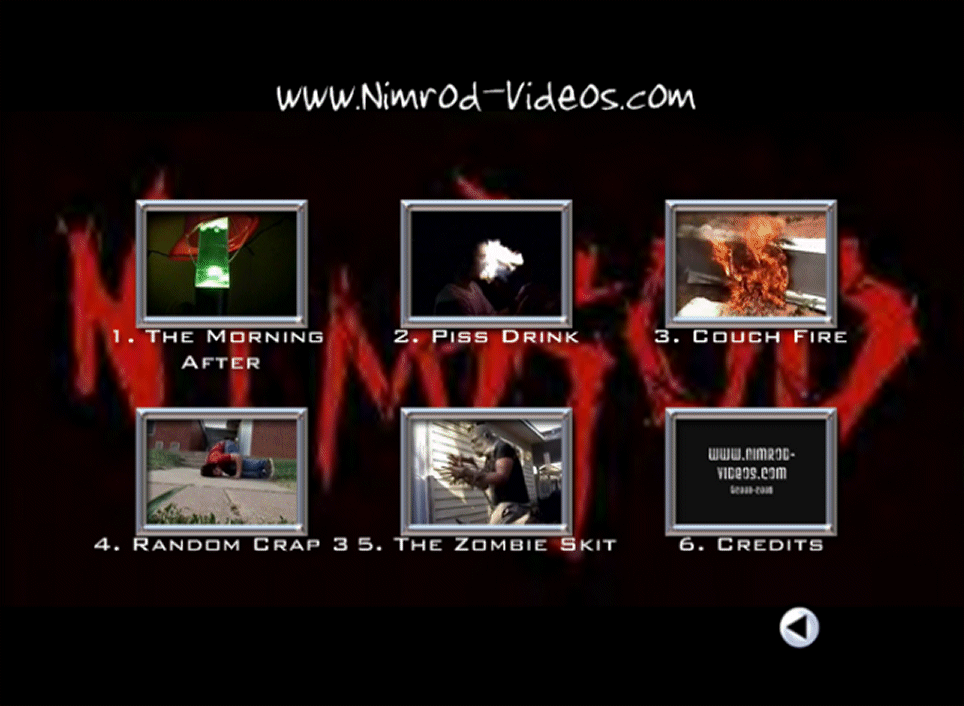
| Ok, ok, ok. So it's really pretty simple (and if you didnt figure it out by yourself, you're probably stupid). So when the DVD loads up this amazing title screen comes up, correct? Correct. (The picture on the right isnt the first title screen, its the last.) To select a video to watch, press the number of the video that you want to watch on your DVD remote. For example, on this title screen, if you wanted to watch the Couch Fire, you would press '3'. To change between title screens press the skip forward or skip backward buttons. Skip forward would obviously take you to the next menu and skip backwards would take you to the last. Videos should play automatically after each other, so to watch all videos, just press '1' on the first menu screen and let it go. Or, you can just put the DVD in your player, and when it comes up, press play to watch all videos. |