Only an ocean away
by: Tessy
If you wish to download this create a folder inside the folder in Yahoo Messenger's Skins. Title it ocean. Then download all the pictures and save all the files below into that folder. Once they are all inside, to put it onto your messenger. Go to LOGIN then down to PREFERENCES, then the subtopic APPERENCE. In tha topic there
is a pull down button called CURRENT THEME. If you titled the folder which you downloaded all the stuff into correctly, a topic called ocean should be there. Click it and press apply, to change the text color go back to that place then change the TEXT COLOR to your liking. Be sure not to change the names when you download them! The picture below is what the main skin will look like.
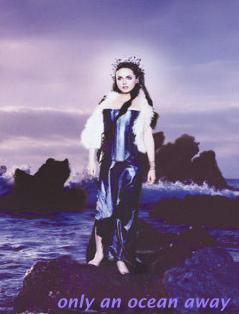
Download this one first
Download this one second
Download this one third
Download this one fourth
Download this one fifth
Download this one last
That's it! Enjoy.
BACK!