Wow, what a semester!
My first impressions of Dreamweaver were at best, mediocre. I didn't think I'd warm to the program, still feeling I could do it all with raw HTML. Well, this semester was one of huge learning! I am sold on the power of Dreamweaver and am using it to design this very page.
In web design 3, the focus has been on the power of dynamic websights. Dynamic websights can produce dozens, even hundreds of webpages with only 2 main pages: master page and detail page.
At the bottom of this page I will be adding a registration link and a member login link. Once registered and logged in, you will visit a sample page and have access to 3 pages. However, two of them will be dynamic, allowing you to view numerous pages with a simple click.
Instead of going on about it, why not explore to see what I mean?
Thank you for your interest in my progress!
Jeri
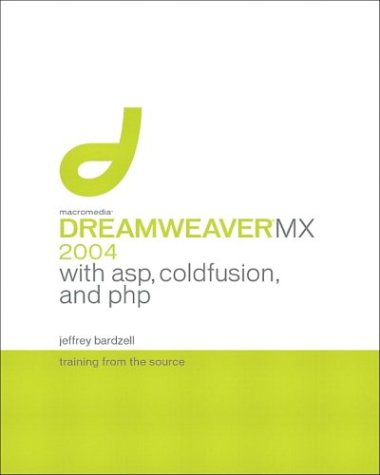
For web design 3, I learned to create dynamic web pages using dreamweaver with Jeffrey Bardzell's Training from the source book titled "Dreamweaver MX 2004 with asp, coldfusion and php". It includes a CD rom with excercise files and a demo sight. You can order it at: http://books.bankhacker.com/Jeffrey+Bardzell/
Enjoy exploring and don't forget to email me your comments!
Coming soon:
Member login
New Member Registration
[ Top | Home | Cozumel | Academy Awards]