| Kao tut (cont.) |
 |
| now reopen your base.(make sure is has a shadow)move the hand up and to the side a little.now open up the kaos mouth a little and make a heart with little sparkles appear around it. Fill the backround with color and move the Kao down a little while adding a few pixels to the shadow.Save this as Frame4 Now it is animation time! |
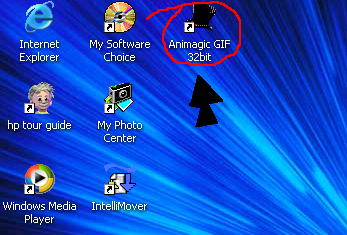 |
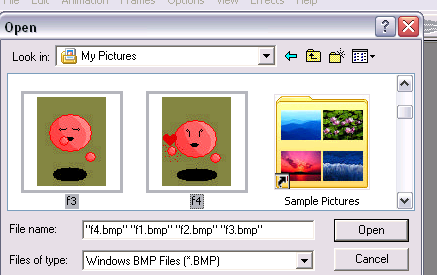
| Go back to the desktop and click on the Animagic Gif icon.you may also use anyother animation program you may have. after opening it up go to file and hit open.go to where you stored you frames and select them all by holding down control. |
 |
 |
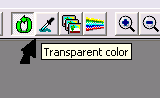 |
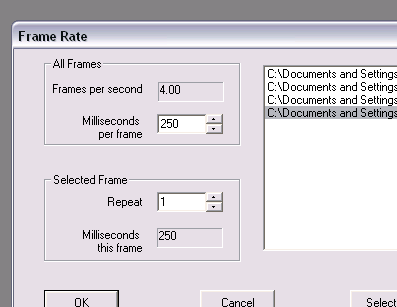
| After click open go up to transparent color and click that icky backround and it should disappear.now click play to see your kao in action.you may want to adjust the speed so click on the little picture to the right of the transparent color icon.Set it to about 5 frames per second this is done b decreasing the milliseconds per frame. |
 |
| Now just save it to whatever and tada!you made a Kao! |
 |