| Kao tutorial! (in paint) |
| How many times have I looked for a tut on kaos and it refers to PSP?well I adapted is to paint and have made a tut for paint and animagic gif |
 |
| Today we'll make this cute little Kao! |
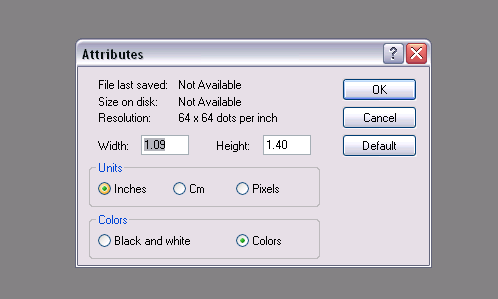 |
| First you must open up you paint program and reset the attributes!Just click on image and hit attributes.make it about w=1in and h=3.4 or 2.4 |
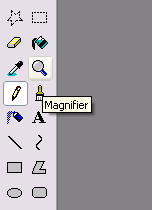 |
| Next your gonna need to magnify in on the picture. |
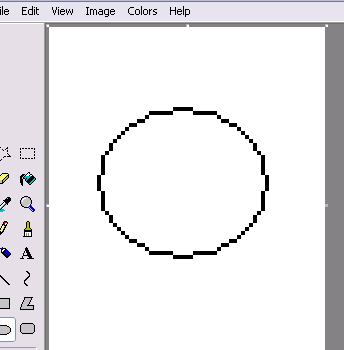 |
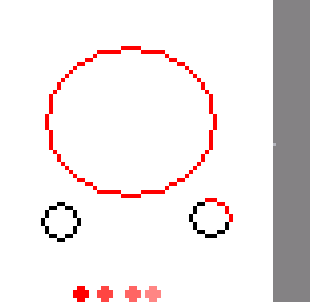
| Next you have to make your base.For mine i drew a circle and two smaller ones under it. |
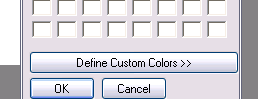 |
| You will then have to choose a color shading grid .YOu do this by selecting one color and 3 other shades of it.go up to colors and click on edit colors and a box should appear.click on the part of the box that reads,"define custom colors" |
 |
| Now take you darkest color and fill in the outline of you kao with it. You should now begin to take the next darkest color and on one little less than a third, fill in the bottomleft with almost a cresent shape.do the same for both hands.Now take the lightest color and and do the same thing on the opposing side.afterward fill in the middle with the second lightest color. |