| Tinting Effect |
| Open your image, mine is below: |
 |
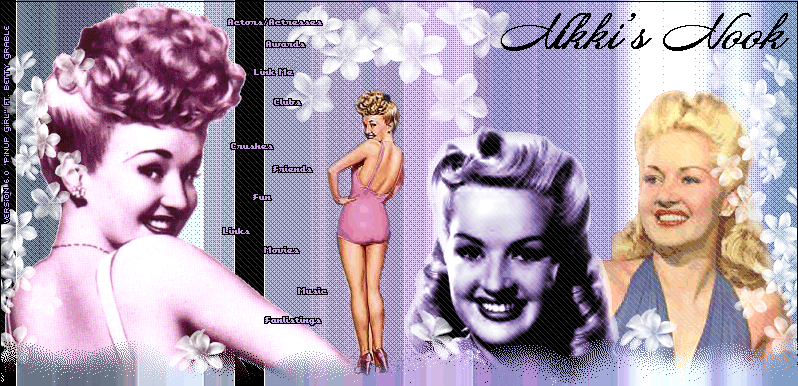
| Now go to COLORS>ADJUST>COLOR BALANCE. Now you'll have to adjust the colors to your liking. Here are some color mixtures for you to try. Purple: 30, -100, 36 Pink: 100, -9, 100 Yellow: 30, 100, -78 Blue: -100, -9, 100 For a different color, you can also go up to COLORS>ADJUST>CHANNEL MIXER. For a green color make your OUTPUT CHANNEL Red and put these numbers in the boxes: Red %: -116 Green %: -144 Blue %: 44 Constant %: 1 Click OK. Here is what mine turned out like. I used the YELLOW channels: |
 |
 |
 |
 |
 |
 |
 |
 |
 |
 |
 |
 |
 |
|
|