Click on the Flood Fill tool. Go to the foreground menu under STYLES on your color toolbar and click on the little black arrow. You will now see a few boxes. Click on the one that says PATTERN. Under the current pattern, click on the square and numerous pattern choices will appear. FInd the grid that you just created and click ok.
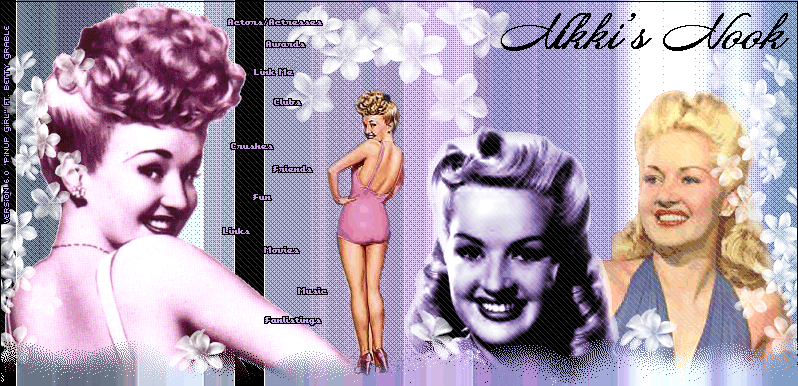
Now click on your image and the grid will appear over it. Now you can fool around with the layers to get the effect you want. So to do this, click on the LAYER PALLETTE, click on where it says LAYER 1 and click the little black arrow to the right where it says NORMAL. Click on DODGE. For different effects, you can play around with BURN, Soft Light, & Difference. They all give very creative effects. Here's my final image using the grid effect with the layer blend mode on BURN! |