Step 1: Open up PSP8, and open up a new image. Make the dimensions a little bigger than your swirl.
Step 2: Now put random dots of all sizes and colors all over the paper. It should look like the one below, but with slighty different colors.
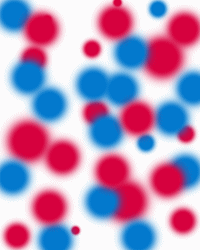
Step 3: Now go to the top where they have file, edit, and all those things. Look for effects, and on that drop down list look for distortion effects. On the drop down list that comes from that, choose twirl, which I think is 4th from the bottom. A screen like below should pop up.
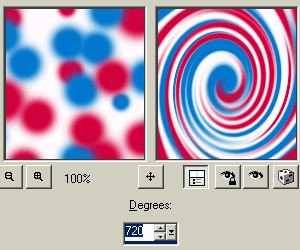
Step 4: Choose your degrees. 720 is the highest I think, and will give you the maximum swirl. The lower the number, the less intense the swirl.
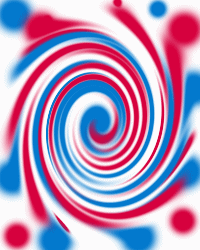
Step 5: Click okay and the swirl picture should now be comlete. You can touch it up if you'd like. It should look something like below.