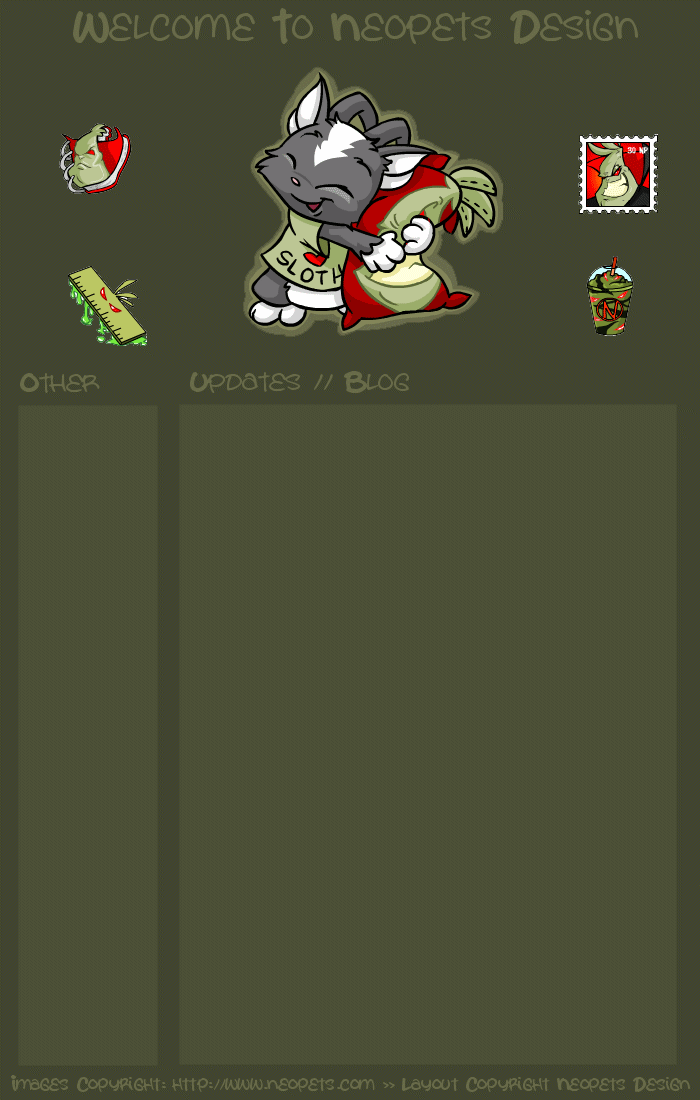
The Layout:
Title: Sloth Love
Version: 1.0
Picture from: Neopets
Layout By: Sarah at Neopets Design
Vote For Us
--Angelic top sites
--Dodo's New World
--Acid-Lemon Listings
Recently Updated
2/6/04-New Layout
Step 1: First, you need to come up with a site adress. If you don't want to pay, start off with a site like Freewebs or Geocities. Make an account, then brainstrom ideas. If you want hosting (this is like yoursitename.them-like our site! You don't have to pay) then use something like dot.tk and sign up! Both are totally free and give you a nice, easy to remember address. Now that you have gotten you account to make your website on, and/or hosting, you are ready to actually build your site.
Step 2: Come up with a name. Make sure the name is catchy, not too long, and easy to remember. Try not to go over 4 words, because then it is hard to remember.
Step 3: Brainstorm ideas. Think about all the pages you want on your site and write them down. Think about what kind of info you want, and all of that.
Step 4: Once you have brainstormed ideas, you need a layout. You can make one or download one, just make sure it has space for everything you need, like text, links, etc.
Step 5: Make your pages. Just create them first. You can add the text and all later. Add pages as ideas come to you. The purpose of this step is so that for your main page, you will have the links of the pages you want, and you won't have to go back and forth creating.
Step 6: If you have a layout, put it onto every page. Just copy the code for the layout, and paste on every page.
Step 7: Content and links. Put all the content and links that you need to on all the pages. Do this page by page, try not to skip around.
Step 8: Edit your site! Check for mispellings, broken links or images, and things like that. No one wants to navigate around a poor ite, do they?
Step 9: Once you are satisfied with your site, insert meta tags. Meta tags are codes that allow your site to be picked up by huge search engines like Google and Yahoo. There is a tutorial for them on this site. Don't expect the meta tags to make your site show up on Google right away, as the sites on google and yahoo are ranked by popularity.
Step 10: Want to make your site known? Advertise!!! Go on chat boards/mesage boards, sites that many people visit, and become affies with huge sites. You can even particpate in a "Top 50" site list.
Now you are done! You should always be adding new and exciting things to the site. I hope this guide helped you, and you can contact me with how your site turned out by using this guide, if you have any questions or suggestion, or if you want to comment.