<< Previous
Step by Step Guide to Using Singlish
Next >>
Step 1 Open Singlish by either double-clicking the singlish icon on the desktop or start menu > programs > singlish > singlish
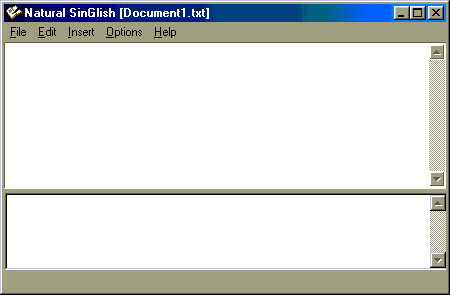
You will get a window like the following