

Feather stroked-edged image
1. Open any image. I opened this (fig-1) image as showned below.
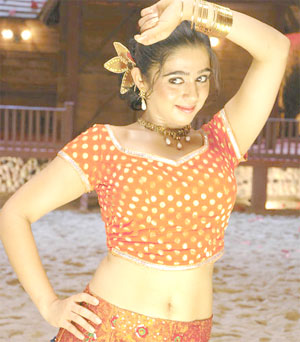
fig-1
2. Use Rectangular Marquee Tool and draw a rectangular selection on the
image (fig-2 shown below).
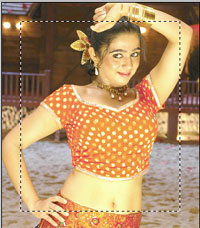
fig-2
3. Change to Quick Mask Mode (Q). Goto Filter >> Brush Strokes
>> Sprayed Strokes and change the values:
Stroke Length=16
Spray Radius=9
Stroke Direction=Right Diagonal
and click Ok.
4. Press "Q" to disable Quick Mask.
5. Press Ctrl + C to copy and Press Ctrl + V to paste. Now hide the original
image (click on eye icon of the original image). You will see as below.
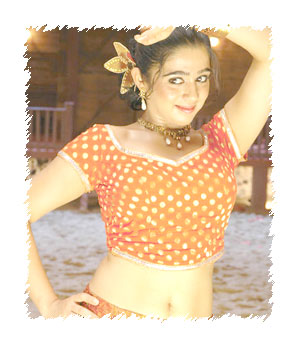
fig-3
6. Goto Layer >> Effects >> Drop Shadow. Change the value
of Distance=7 and click Ok.
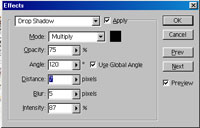
fig-4
Now, you have desired output in-front of you.
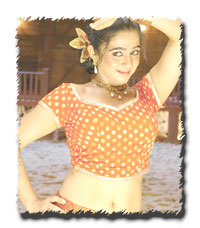
fig-5
That's all my dear friends. Hope You Enjoyed It!!!
Send mail to me (in the Compose, write "About Tutorial" in "Subject"
Column).
"Fundamentals are the Route
to the Destination" - BHMK
Go Home