Not sure about you, but I in my old days wept out to find a simple way of converting an image on a layer to gray scale. Still not sure if there is more easier way but now I mostly use �Hue� (ctrl + U) to make a layer gray scale.
Step 1
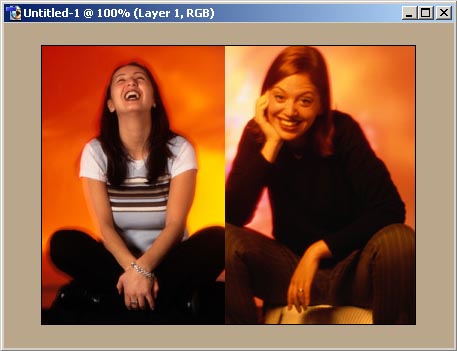
Create a new file by suitable size. Add some different pictures on different layers. In my example I am using two pictures in which our task is making one picture Gray Scale.
Step 2
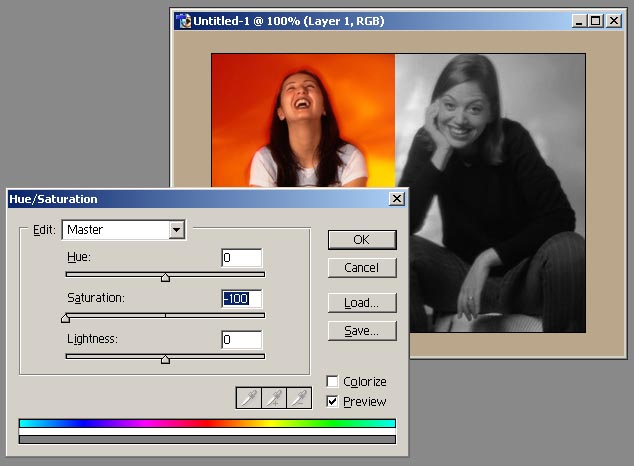
Active a layer and press Ctrl + U (Hue) to employee Hue/Saturation settings and drag the Saturation level to �100
Step 3
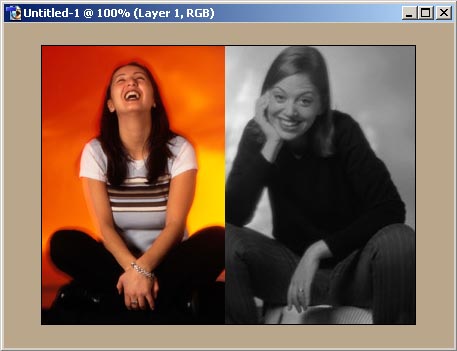
Done, our layer is gray scaled now.
|
