

THIS WEBSITE'S TEXT IS SO SMALL/BIG!
Ever encountered this while you were surfing?
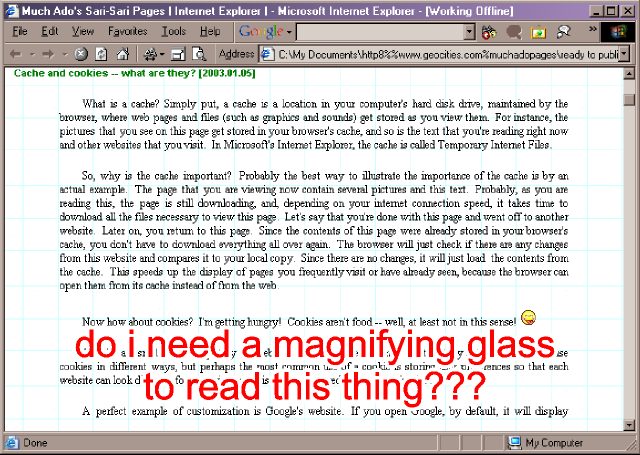
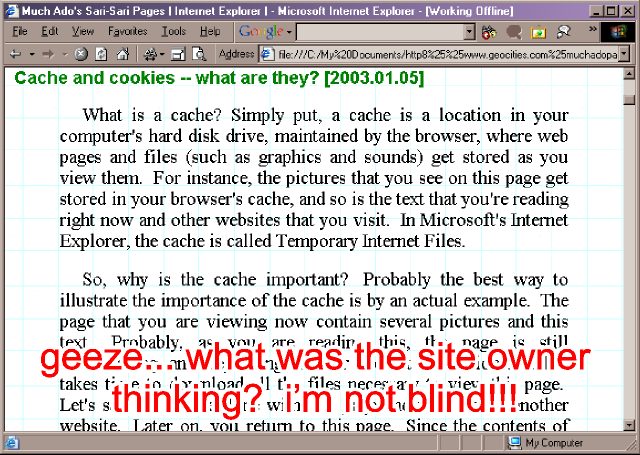
Don't
cuss the website for bad design  it's probably your browser's font size settings. Either the size is set
way too small or way too big. Anyway, changing the text's view size is a
breeze. Just follow these steps:
it's probably your browser's font size settings. Either the size is set
way too small or way too big. Anyway, changing the text's view size is a
breeze. Just follow these steps:
On
your browser, click View > Text Size. A fly-out menu will appear where
you can choose among five sizes. Start with the Medium setting first, the
adjust the setting if the result doesn't please you. That simple. 
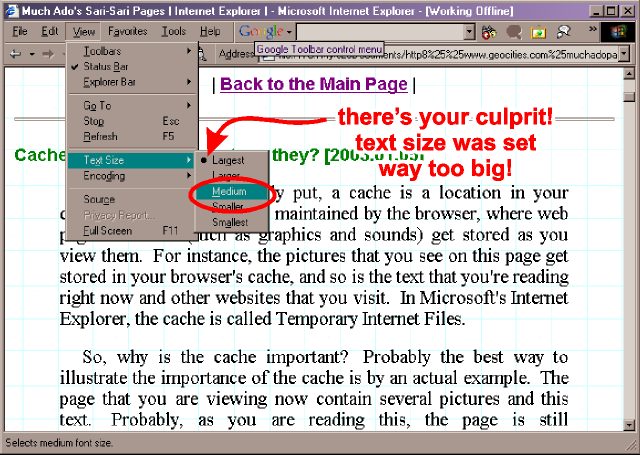
On
the other hand, if the text size doesn't change at all, then what you are
looking at is a product of bad website design.  Send e-mail to the site's owner(s) and ask him/her/them if it's possible
to make the text size customizable.
Send e-mail to the site's owner(s) and ask him/her/them if it's possible
to make the text size customizable. 
If
you have a wheel mouse, press the [CTRL]
key while scrolling the wheel. It will also change the the font size.  Thanks to KaoticEvil in Windows:1 for the
info.
Thanks to KaoticEvil in Windows:1 for the
info.
| Previous Page | Main Page |