Starting a quiz
 

Starting a quiz

The World Book Trivia Challenge window contains a list of topic categories. The All category contains all the topics available in World Book Trivia Challenge.

To start a quiz:
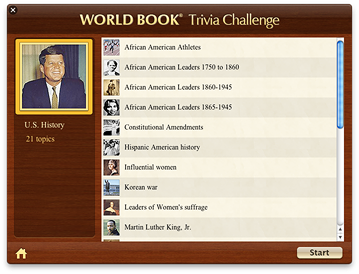
  1. Select the category you want to try and click Go. The left side of the window shows the selected category, and the right side shows the list of topics in the selected category.
  2. Click Start if you want to answer questions from all topics in the selected category. If you want to answer questions from a specific topic only, select that topic and then click Start.
You can select more than one category or topic by Command-clicking the categories or topics you want.

If you want to interrupt the quiz at any time and go back to the list of topic categories, click the Home button in the lower-left corner of the World Book Trivia Challenge window or press the Esc key.
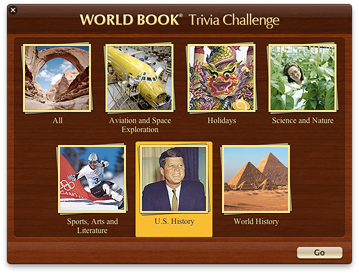
List of topic categoriesList of topics in the selected category