Review of Debian Linux 2.2
by Mark Riedesel - [email protected]In my quest for the perfect (well, for me) linux distro I was lucky enough to discover Debian. Although the last release was over two years ago, this is my distro of choice.
INSTALLATION
Not that great. It starts up in a text mode menu type interface, and it stays that way through the whole installation. Instead of a nice graphical GUI like Redhat or Mandrake installers have. I was slightly disappointed. But there are advantages to simplicity. Even though the interface was keyboard driven, I quickly adapted and I was on my way to getting my system running Debian.The system installs a 2.2.17 kernel by default, which is quite old considering 2.5.X kernels are in testing. What that means, is that not all newer hardware is supported right off the bat. Also since this kernel is older, the new filesystem types are not supported. Since I wanted ReiserFS on my system instead of EXT2 that was a small problem, but not for long! I quickly discovered a 5 disk set of Debian ReiserFS install floppies on the internet. I downloaded them, put the disk images on floppies, and restarted the Debian installation by booting from the first floppy in the 5 disk set. Everything booted back up into the installer just like before, except now I could use ReiserFS. I was quite impressed. I was also very impressed by the installation options as well. I had the options of installing the system using a dial-up modem, a networked computer, or even install from a harddrive already in the system (I have done this on a system without a CD-ROM drive, I ftp'ed the Debian CD's contents to a spare partition on the computers harddrive, it worked great).
Since I had the CD's I installed the system using them, which seemed like the smartest choice.
FIRST IMPRESSIONS
I liked the fact that the system let my specify a name for it during installation, so at my shell prompts I see a nice user@machine# (looks a bit like an e-mail address doesn't it?). I was disappointed that the version of XFree86 was 3.3.X, quite ancient now considering 4.1.X is out and it supports a lot of new hardware. Not a problem, I just went out and downloaded the new version of X from their website and it installed quite easily.Probably after hearing this distro was over two years old, you thought something along the lines of "but isn't everything outdate and old?", and do answer that question, yes, it is. But this is where the beauty of Debian shines. The solution to a bunch of outdated software pages? APT-GET! After adding a couple internet based package servers to my apt configuration, all I needed to do was make sure I was connected to the internet and type apt-get upgrade into my shell. All the updates were downloaded and installed automatically.
Also another great feature of apt-get (well, this is it's main purpose) is the ability to easily install new software. If the application you need is on one of the apt servers in your sources list, then you can simply type apt-get install packagename. And to remove an unwanted software package, apt-get remove packagename. I love apt-get!
UNDER THE SURFACE
I love Debian, it is perfect for me. Very straight-forward and "simple". The config files are all where I expect them to be (unlike Redhat). Also, Debian boots up much faster than Redhat, I assume it's because Debian doesn't run a pile of unneeded services during the startup process (or daemons as they're called in the Unix world).NEW KERNEL? NOT A PROBLEM!
I wasn't real fond of the old 2.2 kernels hardware support and features, although good, I would rather have new of course, so I fired up my FTP client and headed over to ftp.kernel.org and grabbed the latest Linux kernel source code, which was version 2.4.17 at the time. After configuring it for my machine I started the compilation process. AFter about half an hour of chugging away on my old pentium 166mhz that I use for my router/firewall, the kernel was cooked (or should it be popped?) and ready to boot from. I gave it a try and my Debian Linux box was now running a nice new fresh 2.4.17 kernel.Since I was going to use this machine for a router/firewall I made sure to include IP Forwarding and IPTables in the kernel, as well as PPP support since I only have dial-up internet access where I live. After a little messing around, my little old pentium 166 now provides internet access for all the computers on my LAN in the house.
FINAL IMPRESSIONS
I think Debian is excellent, I now have Apache webserver running, a SHH daemon, FTP server, as well as a network backup system based on samba for my computers running windows, which backs up all my data every night. And all this with 16mb of ram on a pentium 166, and the machine barely breaks a sweat. I call that an excellent use of resources, Linux is great, and Debian gives it a good name, at least in my opinion.Also Storm Linux was based on Debian but they sadly went out of business a year or so ago.
Another interesting tidbit of information, Debian is maintained by volunteers and has no large corporate funding unlike some other Linux distrobutions like Redhat, SuSE, or Mandrake to name a few.
LINKS
> www.debian.org - Debian> www.reiserfs.org - ReiserFS
> www.chao.ucsd.edu - Debian ReiserFS Boot Floppies
> www.xfree86.org - XFree86
> www.iptables.org - IPTables
> www.samba.org - Samba
> www.apache.org - Apache Webserver
> www.openssh.org - Open Secure SHell
> blackbox.alug.org - Blackbox Window Manager
this page written using Vi on Debian Linux

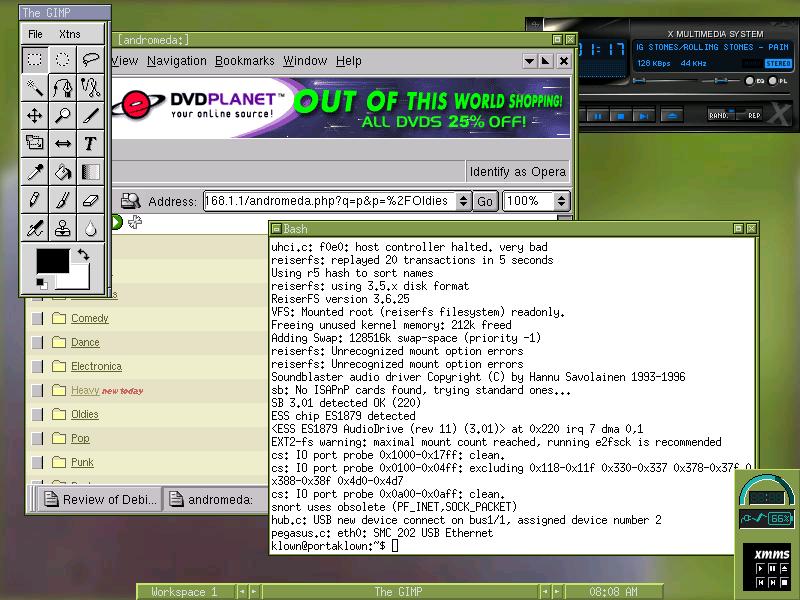
Debian on my laptop, running Blackbox window manager, listening to music with XMMS, viewing my mp3 server website with Opera, and checking out my boot message in a shell.

Taking a look at Debian's website, and viewing my system logs, also listening to music as usual.
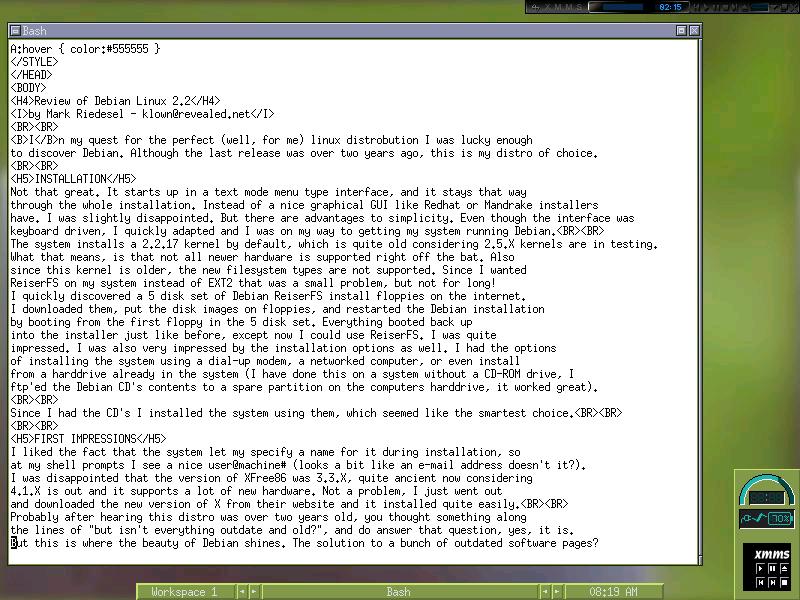
Editing this article using vi editor in a bash shell prompt.
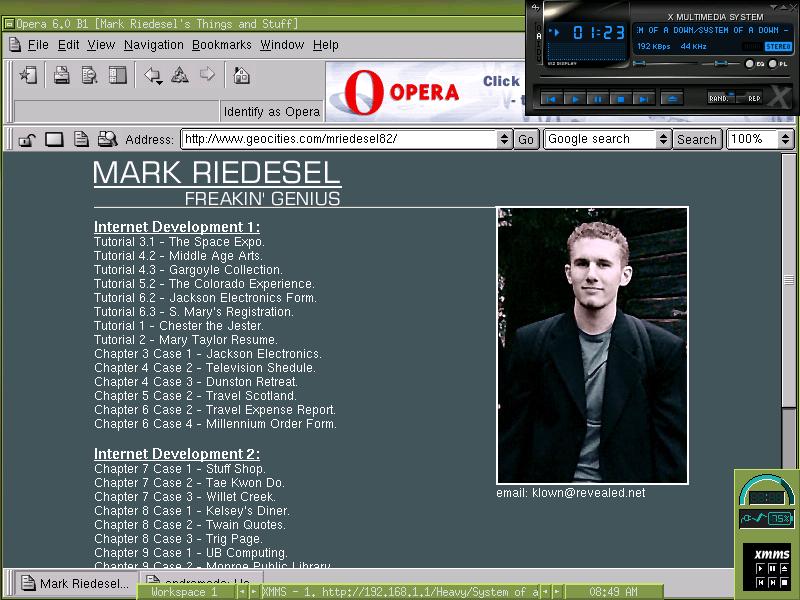
Viewing my school webpage with Opera Browser