| RUNESCAPE TOOLBAR | ||
|
Toolbar works with Firefox and Internet Explorer!
Momenator70's RuneScape Toolbar is a free RuneScape toolbar that extends your Internet Explorer or Firefox Web browser
to give RuneScape Players quick access to great RuneScape content.
Toolbar Components
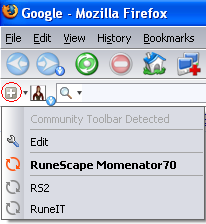
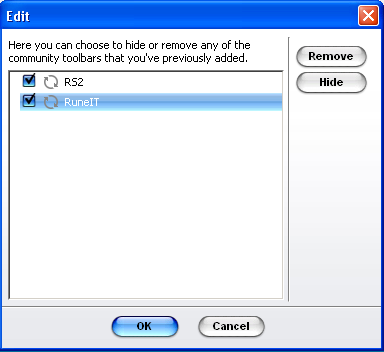
Component 1: Grouping, it ofers a group of community toolbars to swap between,
without sacrificing any space on your browser. Adding community toolbars to your 'Group' is easy:
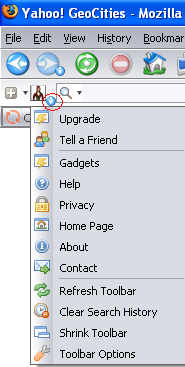
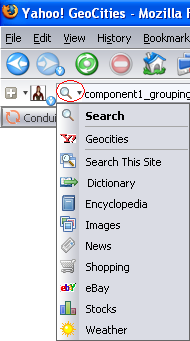
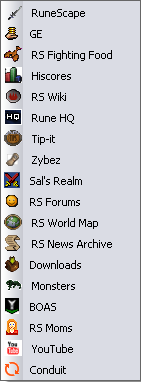
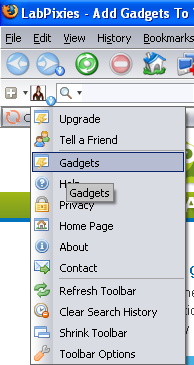
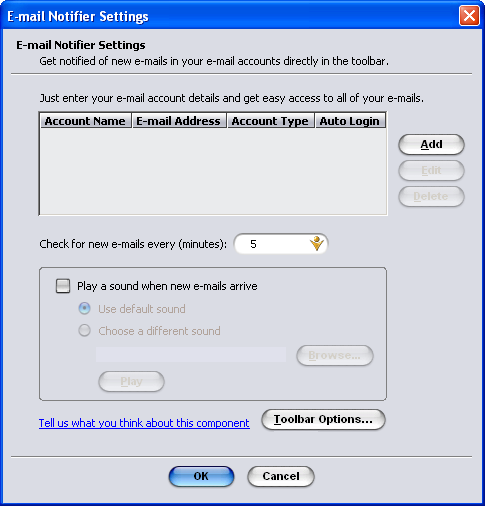
Component 2: Momenator70 Logo, a direct link to my Website Component 3: Toolbar Options Component 4: Search Options Component 5: Resize the Search Box Component 6: 'Go button' for searching Component 7: 'Highlighter', to highlight search terms on current page Component 8: Local Weather Component 9: Important messages from me Component 10: User Chat, users of the Momenator70 RuneScape Toolbar can chat amongst each other Component 11: RuneScape World Map Component 12: Links, to valuable sources of RuneScape information Component 13: GE Prices Component 14: Mining Maps Component 15: Dungeon Maps Component 16: Farming Maps Component 17: Land Area Maps Component 18: Downloads, takes you to my Website 'Downloads' page Component 19: Submit 'Bug Reports' to Jagex Component 20: View Offense History, Bans and Mutes Component 21: Jagex Mail Component 22: RuneScape News Archive Component 23: RSS Feeds Component 24: Gadgets, Click on the 'Gadget' in your toolbar options menu. It will take you to LabPixies site at http://www.labpixies.com/gadgets/?toolbar=1 and you'll be able to add other fun gadgets. Component 25: Email Notifier Settings
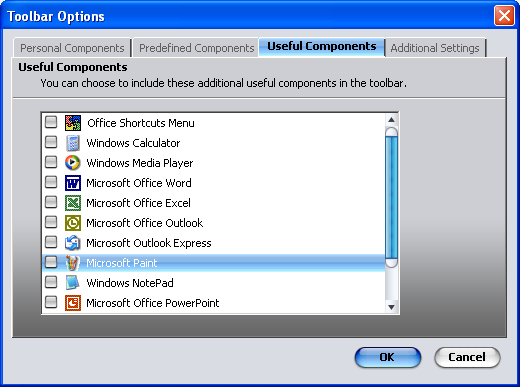
When editing your toolbar, you can add other useful components such as Microsoft Paint, Microsoft Office Word or Notepad, etc. to your bar. Click on the blue down arrow next to my logo on the left, choose 'Toobar Options' then choose the 'Useful Components' tab. You can also take off items by choosing the 'Predefined Components' tab and the 'Personal Components' tabs.
|