
Yahoo Messenger Skins
RuneScape Skins -
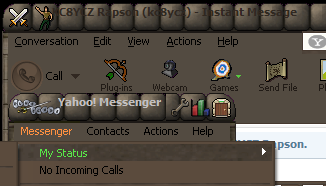
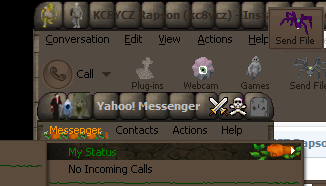
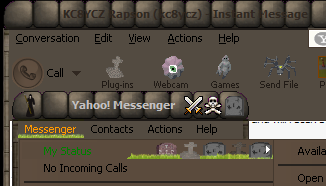
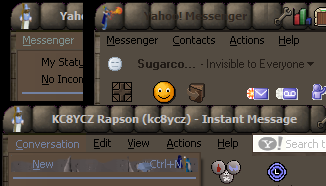
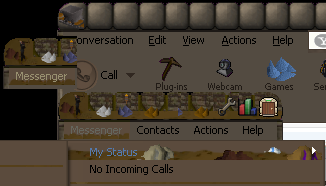
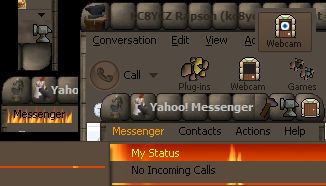
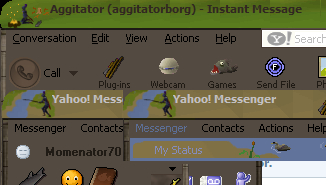
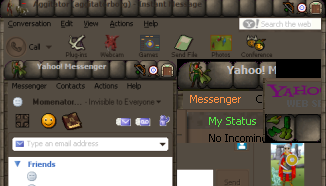
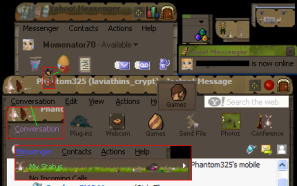
Click a pic to see a larger preview of the skin, click the skin name to download the self-installing zip file.
Thank you to Jagex for their permission to use their graphics for these skins!
Even though one page it gives permission, yet on another page, it states otherwise (this includes everyone; including well known Fansites such as Rune HQ, Rune Tips, and RuneScape Wiki)...weird, but ok.
Here's why I say this. On RuneScape it states the following:
Q. Can I use graphics from the RuneScape website?
A. As we are aware that fan sites want to help create a RuneScape atmosphere, we have put together a pack of graphics that you may use to download them click here . You should not use any other images from the RuneScape website.
Yet, when you read "Is it ok for me to make a fan site?" , it states:
Yes, of course. We encourage the creation of fan sites
and many of our players use them to gain information about
our game.
There are a few pointers that you need to follow:
1)
You must visibly acknowledge that the images are the
property of Jagex Ltd, and that Jagex and RuneScape are
registered trademarks of Jagex Limited, and you must provide
a link to the official http://www.runescape.com website.
That section gives people permission to use their graphics as long as they give credit.
To read more on RuneScape's explanation of Making Your Own Fansite please visit the provided links or the customer support link on their main page which will lead you to Fansite and Player Contributions and other helpful links.
Yahoo Version, Computer and Graphic Editor
This is just a little FYI for those that are wondering about what Yahoo! version I'm using, the operating system and graphic program I use to create the skins.
The OS that I'm using is Windows XP Home Edition Version 2002 Service Pack 2. The computer is a Compaq with 1.79 GHz, 704 MB of RAM.
The Graphic Editors I use are Microsoft Paint and Corel Paint Shop Pro X.
My current Yahoo! Messenger is (8.1.0.209), module (8.0.0.1)
All skins
All skins found here are compatible with versions (v6, v7, v7.5, v8.1)
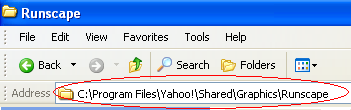
The self-installing skins will be extracted to:
C:\Program
Files\Yahoo!\Shared\Graphics\
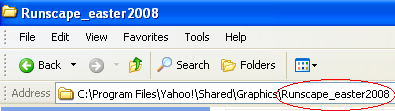
For those skins that need to be manually extracted: They MUST be
placed in their own folder
C:\Program
Files\Yahoo!\Shared\Graphics\[skin name]