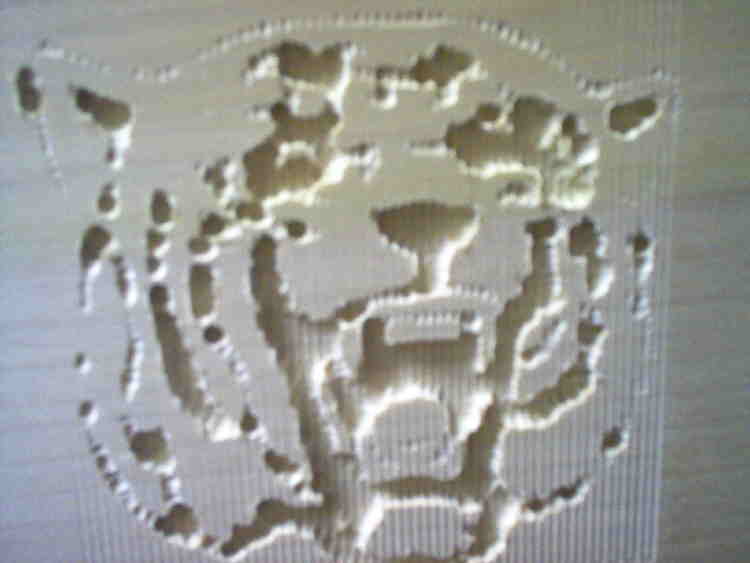
Now that the CNC router is up and running, it's was time to start making things with it. The other night, I threw a piece of poplar under the dremel and let it cut away at the Winside Wildcat logo. It turned out ok, considering how fast I set it up. Some of the lines were narrower than the 1/8" bit, so they became rows of dimples.
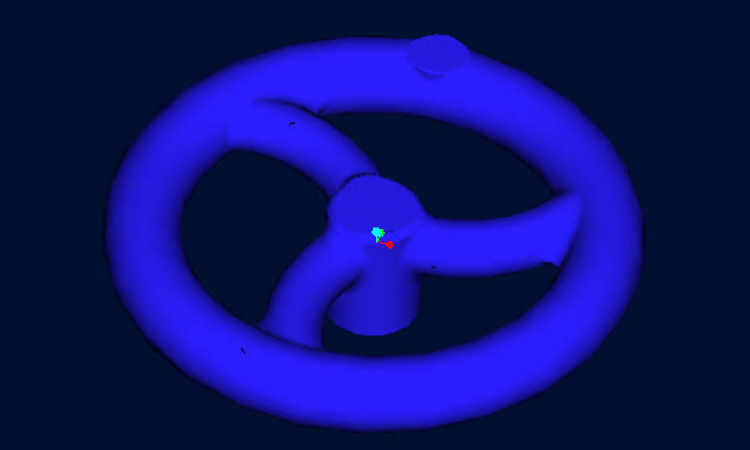
The next project was to make a 3D foam pattern to be cast in aluminum. The first thing that came to mind was to make handwheels for the CNC machine to make manual moves easier. So, I fired up Pro/E and modeled up a handwheel with a 3 1/2" OD.
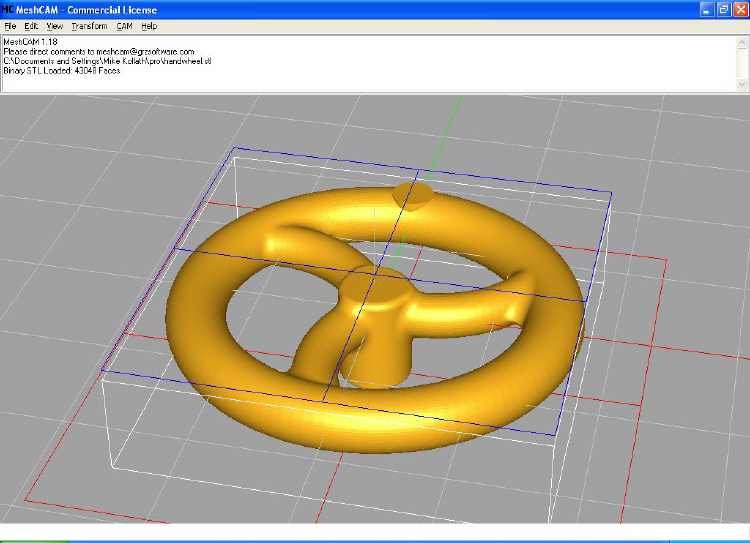
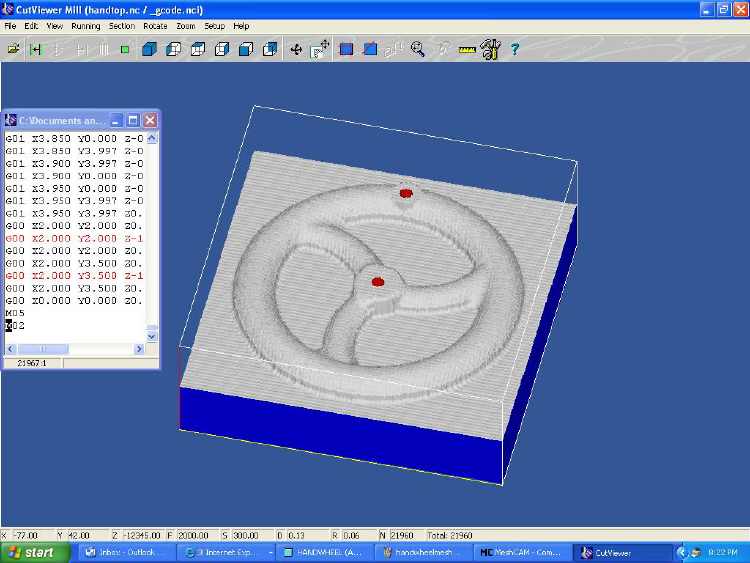
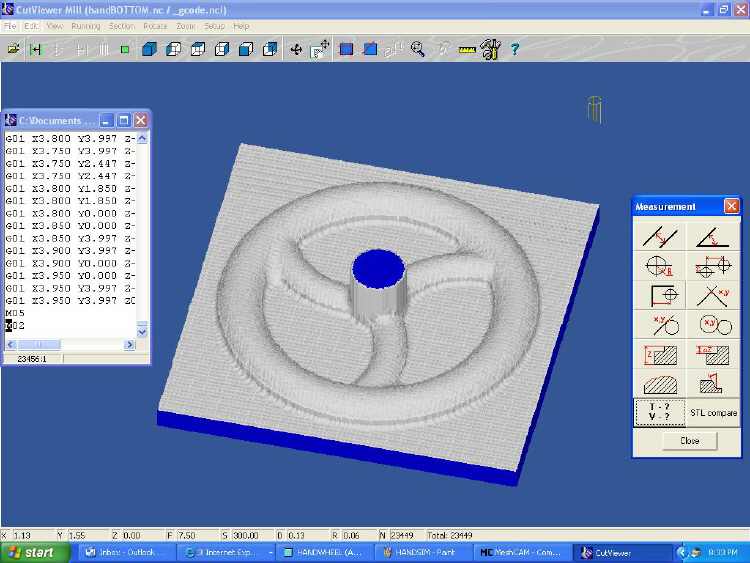
Once I was happy with the model, I exported an STL files of it. This was pulled up in MeshCAM to generate the toolpath for the machine to follow. I had to create 2 toolpaths, one for the top and one for the bottom of the wheel. I played around with settings and tried the files in a simulator program to see how long they might take and how the part might look. I used a program called Cutviewer Mill which has a free trial version.
Once I was happy with the toolpaths, I saved them to a disc and headed for the shop...(continued on next page)