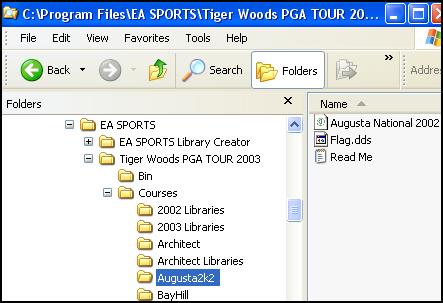
Here is how my download folders are set up on C:\
I utilize 4 different locations for what I consider 4 types of files and place them in the 4 folders I created for them. I also made a folder called "expand" and when I unzip the zipped course and/or library files I place the files in C:\expand. All are shown on the right starting with "New2k2Courses". ( Why "New" you ask?....They were new when I first downloaded them...lol. Mainly I use "New" to keep them together...no other reason for it.)
Note that all these jpg's are of my computer.
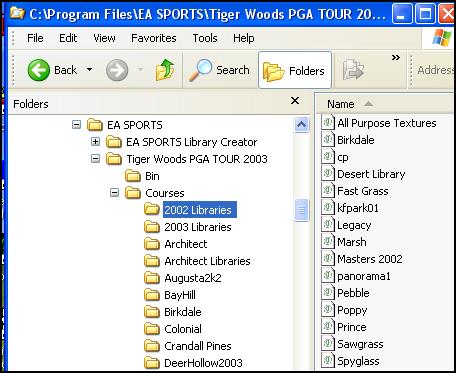
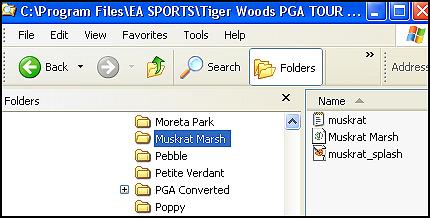
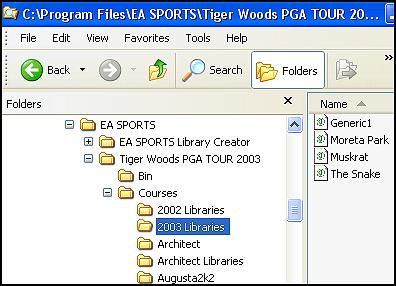
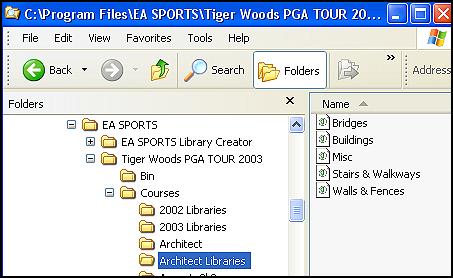
Instead of using names "new2k2libraries" and "new2k3libraries" in my TW2003 courses folder I personally made two folders called "2002 Libraries" and "2003 Libraries". ( Feel free to make up your own filenames ) This is where I install the libraries using the Course Utilities. I recommend making "Course folders" as EA does with the stock courses and keeping the downloaded zipped library and course files on your hard drive. Archive them to a CD whenever you get the time.
In the below picture, the 2002 libraries folder is opened and you see what I have in it. It has the 6 "2002 Libary.tcl" files from the 2002 game installed plus others that came from user created 2002 courses. I see no reason to seperate them at all. There is probably no reason to seperate the 2003 libraries. This is just my preference. Some people install everything into the courses folder and it will work if you have all the libraries required. It sure looks terrible and you will get the same flag all the time on user created courses. I guess I just like to do things the hard way.
Keep in mind if you change your folders names or delete a file in TW2003 itself without using the Course Utilities commands you may accidentally remove a file or an asscociation necessary for several courses depending on what exactly you moved or deleted. You may have to re-install the libraries or courses themselves. It is better to use the "Move" command on the Course Utilities so that TW2003 will re-associate their locations.
Put it this way, If I decided to rename my 2002 Libraries to 2k2libraries, I would first make the folder, then using the CU and the "Move" command, move all the libraries to the new folder. |