 |
| Seti Spy |
| You have to save SetiSpy were the Seti@Home client is. Seti Spy will tell you: The progress of Seti@Home client, The performance the speed of the seti@home client, the results (triplets...), information of the work unit, User stats, Team Stats (if you are in a team), Version of your Seti@Home client, and Type of your Processor. |
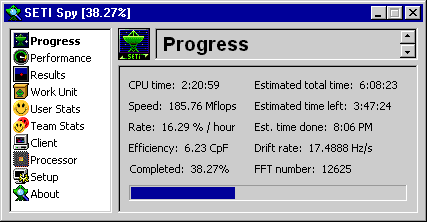 |
| Here you have a picture of the Seti Spy: |
 |
| New Windows XP-Style Icons (140 KB) |
 |
| Default SetiSpy Icons (80 KB) |
| To instal The New Windows xp-style icons.... First: Download the icons to the folder contanig setispy.exe AS SETISPY.ICL |
| Please read this: |
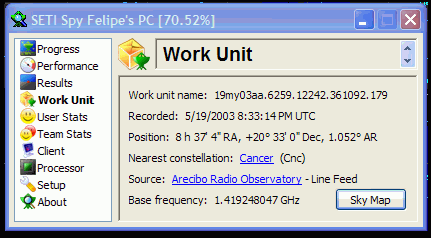 |
| And when you install the new icons.. your SetiSpy will look like this: |
| Download SetiSpy HERE |
| Pernsonalize SetiSpy |
 |
| You may need to use Winzip, you can download it HERE |