The 3 second timed Wallpaper Changer
Introduction
This app changes the desktop wallpaper every three
seconds.
Background
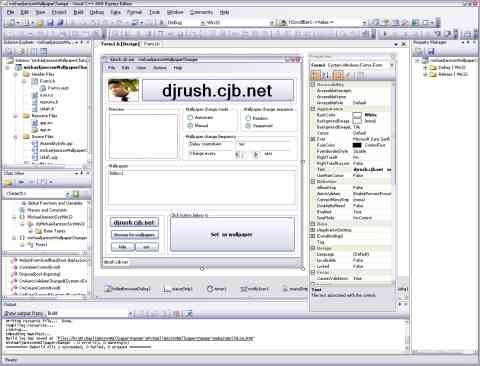
Designing apps in Microsoft Visual C++ 2005 Express Edition is pretty
straightforward.
Click on the desired component (control) , located at the left toolbar of
Visual C++ 2005 Express Edition , and draw it at an appropiate locaton on the
form.
Components on the form align to rectangular grids, giving your apps
a symmetric look.
Components
This app uses the following components:
- command buttons
- radio buttons
- horizontal scroll bar
- groupbox
- picturebox
- list box
- timer
- labels
Using the code
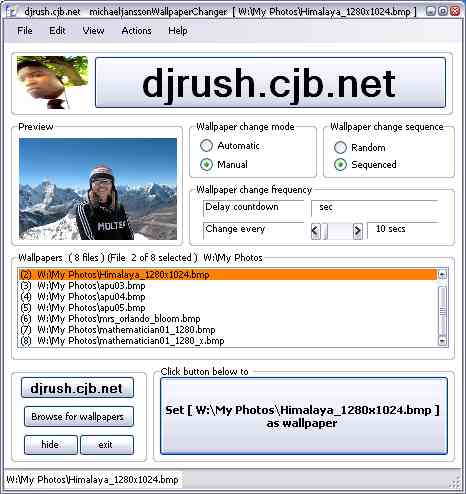
Altering the wallpaper change mode
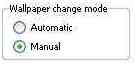
Selection of how the app will change desktop wallpapers is
done here. One can either let the app automatically change
wallpapers or one can manually do so by clicking the
'set as wallpaper' button.
Setting the wallpaper change sequence
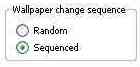
The sequence of the wallpapers can be randomily done or
sequenced in a foward non-random direction.
The app generates a series of random numbers, stores them
in an array. This is done to assure that numbers arent
repeated as often occurs when using the random function.
Adjusting the wallpaper change time
10timer.jpg 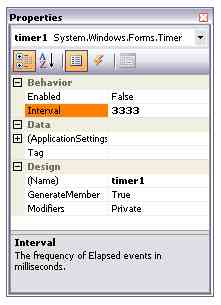
The default time and max time is set to 30 seconds but can be
reduced down to 2 seconds using the scrollbar.
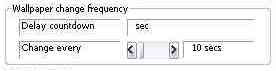
timer1->Interval=hScrollBar1->Value * 1000; |
The program's loop
The core of this app has been placed in Timer1
to make things as simple as can be.
Browsing for wallpapers and selecting wallpaper folders.
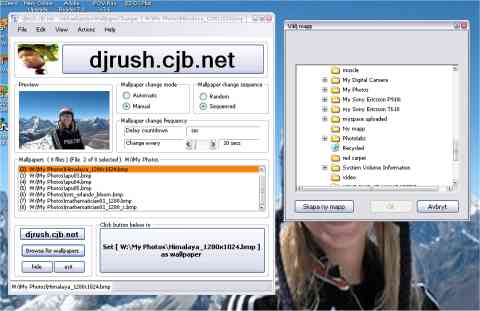
Obviously this app would be useless without this feature. Browsing for
folders containing wallpapers is pretty straightforward. Select the
folder containing the 'bmp files and click the ' ok ' button.
|
The app will list all bmp files found in the directory,
in the list box
located to the lower left section of the form.
|
08filelist.jpg 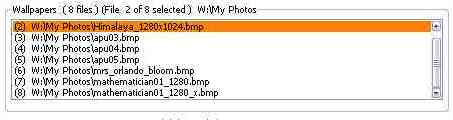
Selecting the files is done by clicking the file in question,
a preview of the .bmp file will be rendered in the wapaper preview.
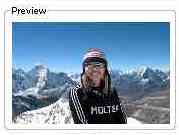
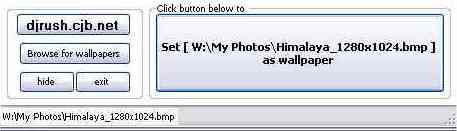
Clicking the ' set as wallpaper ' will set it as wallpaper or
one can click the ' automatic ' radio button to have the app
automatically set the wallpapers.
|
Setting the wallpaper
|
|
when all said and done
(when the code is built)
Download Source code : Download chWallpaper_src.zip - 157.1 KB
By Dj Rush (Michael Jansson)
mathematician01.jpg 
Platform:
Visual C++ 2005 Express Edition
Dj Rush links:
http://djrush.cjb.net
http://myspace.com/djrush95
http://geocitiescom/djrush95
http://myspace.com/gameprogrammer29
http://geocities.com/michaeljansson95