# # # Parsec 2 # # #
About:
I was visiting my fiancée and she has a computer, so I installed Q-Basic on it and the rest is flippin’ history. Hahaha, ya, so I had some free time for about a week and I wrote this game on it whenever I would come over. Thanks Dani! It’s public domain and I’ve included the source code for your enjoyment, so knock yourself out. I’m working on a sequel that will be a lot better. I’ll probably have a go at shareware on that one… but this bad-boy is totally free. Woot.
UPDATE:
I made a high-resolution version using FreeBasic.
You can now download this…which you should, because compared
to it, the original is totally ancient looking.
The FreeBasic version runs much faster and smoother (generally…)
and the new sounds are hella-tight. Tehehe, but
unless your computer supports Creative Labs OpenAL 3d Sound
you’ll have to play the silent version, since FreeBasic
doesn’t support the sound-code used in QB.
FINAL UPDATE:
Upgrades; honestly, they make the game too easy, but I’m
too busy to balance test the flipping thing any more than I already have. So there
you go, ya’ crazies!
http://www.geocities.com/metricgriffin/Parsec2x_Final.zip
It doesn’t include the silent version, so if you can’t run the 3D sound version then don’t bother downloading this one. If someone e-mails me and asks me to put the silent version with upgrades on, I will. But I don’t think anyone reads this page, so meh. I’ve left the old version on because it …er, I just have.
ALSO:
Check out the preview page for
Parsec 3…
http://www.geocities.com/metricgriffin/Parsec_3.htm
Download:
Parsec 2: The Interstellar Mine-sweeping Missions (49KB)
http://www.geocities.com/metricgriffin/Parsec2.zip
Parsec 2x: A Windows port using FreeBasic (1MB)
http://www.geocities.com/metricgriffin/Parsec2x.zip
Parsec 2x: The Silent version of 2x };-> (76KB)
http://www.geocities.com/metricgriffin/Parsec2x_silent.zip
Parsec 2x: Final version, requires 3D sound. (1MB)
http://www.geocities.com/metricgriffin/Parsec2x_Final.zip
If Parsec2x asks for OpenAL32.dll you can download it <here>,
unzip it, and then put it into your WINDOWS directory. Woot.
Screen Shots:
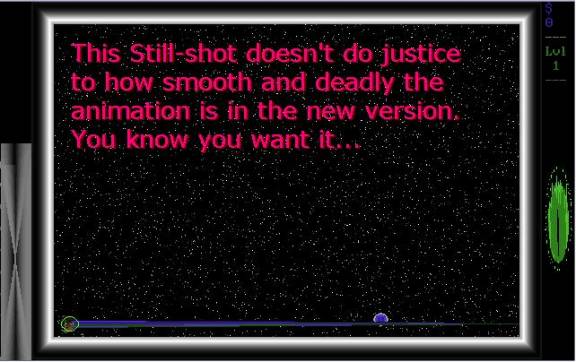
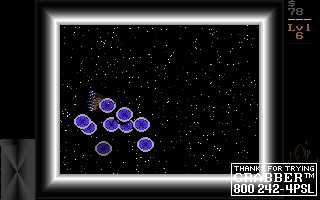
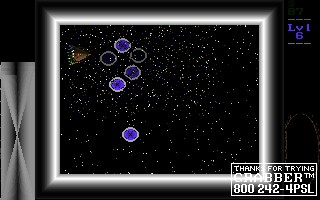
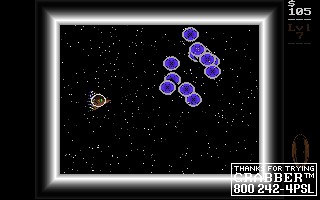
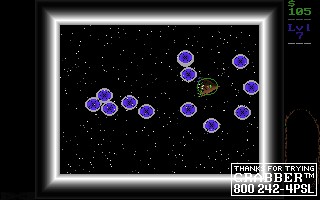
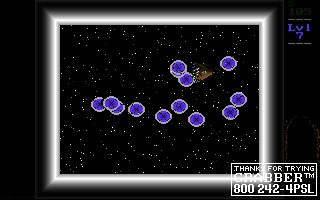
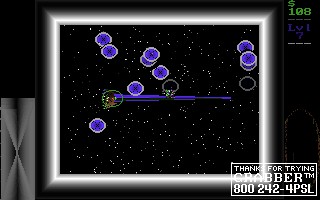
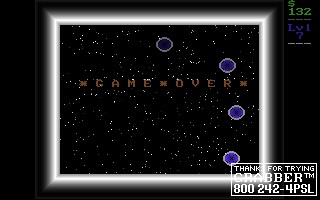
{P2x}
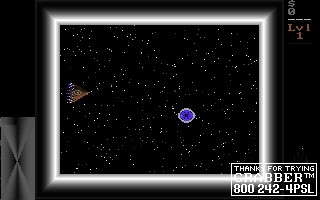
{P2}
Instructions:
[This is also included in the
zip file you download.]
- * - * - * - [Intro]
In Parsec 2: The Interstellar
Mine-Sweeping Missions you play as a space captain
whose ship must travel throughout the
stars and destroy hostile homing mines.
There are eleven levels, each one more
intense than the one before.
This is a very challenging game, but I
assure you that it is possible to beat
all eleven levels. I have done so
myself. :)
I sincerely hope you enjoy playing it
as much as I've enjoyed making it!
And please, share it with your
friends. Don't get frustrated; it just takes
losing a few dozen times and then you
start to get the hang of it. ;)
God bless!
+Jonny Tweed, [email protected]
- * - * - * - [Controls]
The keys employed are:
e r t - for thrusters, with
"f" being the brake key,
d f g which automatically detects the direction
c v b your ship is moving and thrusts against it.
(You may also use the arrow keys.)
h - Vent shield energy to the engine
cooling system.
...this function is pretty much useless: I don't recommend its use.
(You may also press =.)
j - Fire lasers. The longer you hold
it down the hotter your guns get:
A long hot blast of lasers does a lot more damage than just tapping it,
but if you hold it in too long your engines will overheat.
(You may also press the space bar.)
k - Transfer power to the shields;
puts a strain on the engines.
(You may also press enter.)
l - When you have destroyed all mines
in the level you may hyperspace to
the next mine field. However, it is useful to fully charge your shields
and wait for your engines to cool off before doing so. Every level
your shields will start out at least halfway full, but if you charge
them to 100% you will be fully prepared for battle.
(You may also press backspace.)
p - Pause. Pressing any key will
un-pause the game.
(You may also press pause.)
q - Quit.
(You may also press escape.)
- * - * - * - [Closing remarks]
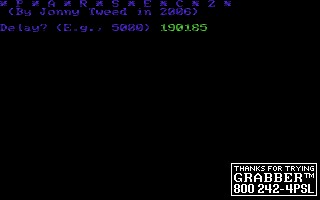
When you start the game it will ask
you to type a delay number:
the higher it is the slower the game
will run. It will also
show you a listing of the easy keys
and some basic notes on game-play.
If you type a negative number then it
will use crazy colour mode.
Woot, woot!
The screen layout is (from left to
right, top to bottom):
Engine heat gauge, view screen,
earnings in US dollars, current game level,
and shield meter.
Well, the game took about fifteen
hours to make and has six hundred and ninety
one lines of QBasic. My next project
will probably be a strategy game set in the
middle ages. Many thanks to Dani for
putting up with my neglectfulness during
its development and testing! Sorry
sweetie!
(Also, thanks for letting me use your
computer.)
[Edit: Since I originally wrote this
I've probably put in another twenty
hours or so adding cool stuff and
making the game run better...]
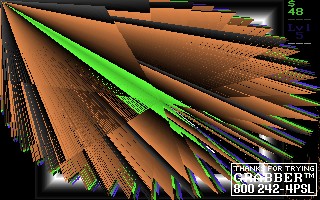
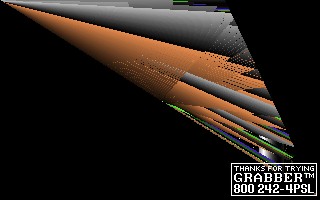
After every level it shows the warp
animation. After the last level it shows the
ultimate victory animation.
The damage level of a mine can be seen
as it grows dimmer and dimmer.
*Happy blasting!*
};->