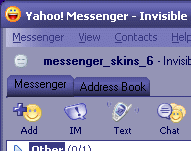
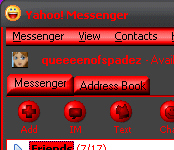
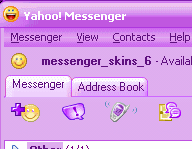
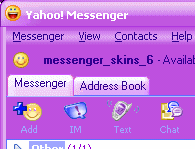
I got bored one day and tried to make a skin for yahoo... well I kept going and they got pretty popular so I am changing everything around a bit... adding a skin page to my homepage @ www.geocities.com/queeeenofspadez/
Makes it easier on me, only having one site to keep up with. I will leave this site up for a bit, for those that have it bookmarked, etc, as i still seem to be getting a lot of hits here... all new skins will be added at queeeenofspadez site, so please update and thanks for the support!
Amy G

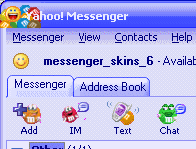
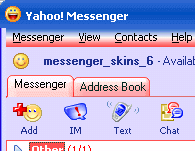
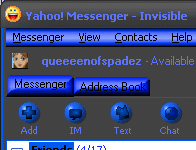
more skins and lots more cool stuff... All my skins are also available at this site as self extracting files so if you have any problems downloading or unzipping, try here
all the hidden smileys
resize messenger as small as you want it
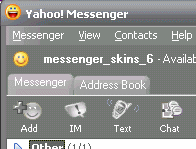
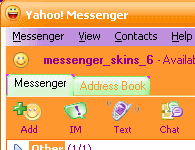
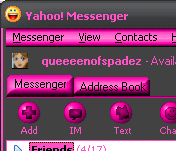
Explains the basics on making new skins