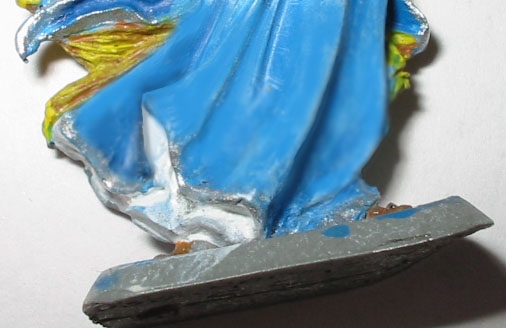
A model with only one color looks very flat and unrealistic. To fix this, it needs to be shadeded with gradually lighter colors.
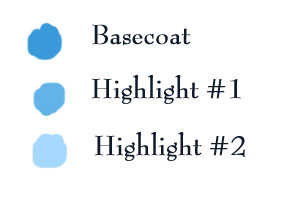
I've found that the best way to do this is by blending lighter shades onto the basecoat.
The first step is to paint on highlights. It's very simple and looks very bad. However, I've found that painting the highlights on before you try and blend them gives you very good control over where they end up.
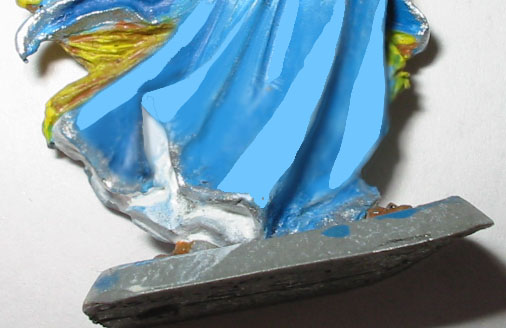
After the highlights are dry reapply both the highlight and your base color. It should be thinned with water slightly, to about the consistancy of cream. Quickly, while they are still wet, smear them together. You might find it useful to smear with the flat of your brush, not the point. I recommend using a size 0 brush, or larger, for blending reasonably large areas like this. It should turn out something like this:
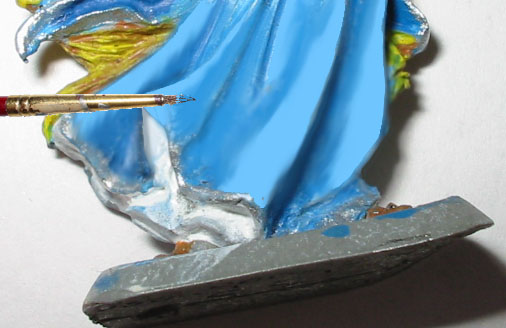
The color transitions are a little rough here. Thin your paints down the consistancy of non-fat milk, or orange juice. Reapply the thinned down color over your blended area, and blend them again while they are still wet. This should give you a smoother transition between your colors. It should look like this:
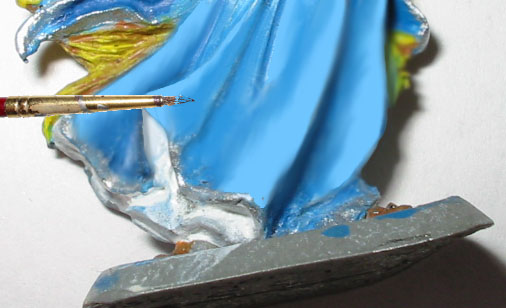
This still isn't highlighted enough. So the steps are repeated using highlight color #3 as the highlight, and using highlight #2 as the base color. You might, but not necessarily, find it useful to switch to a 2/0 or 3/0 brush at this point.
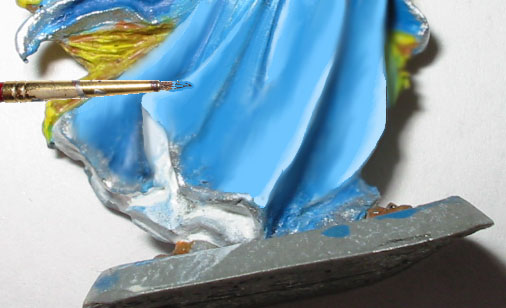
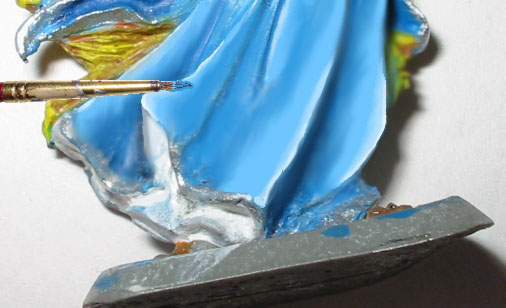
As a final step, the very edges are picked out with a thin layer of pure white. This isn't blended, but simply painted on using very thin paint.
back